


Fox Renderfarm Alternatives in 2026: When to Switch and What to Check
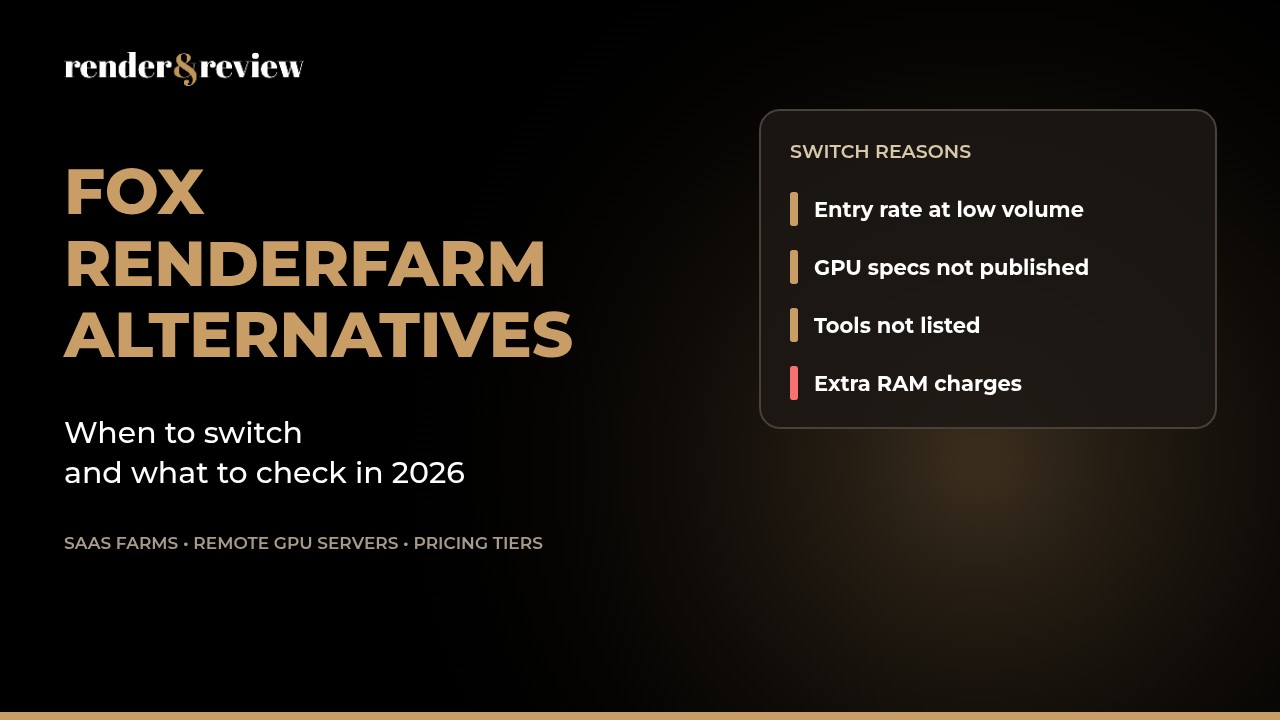
Fox Renderfarm alternatives are worth a look when its pricing structure, published hardware details or software list do not fit your project.
- Fox’s strengths: a software list that includes Houdini and Unreal Engine, no charge for failed renders, Raysync transfers and stated ISO 27001 and TPN credentials.
- Pricing structure: CPU node-hours start at $1.224 on the Ordinary plan and reach $0.734 only after more than $10,000 has been recharged.
- Common switch reasons: no published GPU models or VRAM, extra charges for more RAM or some software, and tools such as KeyShot, D5, Lumion and Twinmotion not listed.
- Managed alternatives: GarageFarm, GridMarkets, RANCH Computing and RebusFarm each solve a different part of that list.
- Remote GPU option: iRender rents whole RTX 4090 or RTX 5090 machines where you install what the scene needs.
Fox Renderfarm states it has 30,000 CPU and GPU servers. It lists 3ds Max, Maya, Cinema 4D, Houdini, Blender, Unreal Engine, Nuke and Katana, so host support is seldom the reason people search for Fox Renderfarm alternatives. More often the issue is cost at low volume, hardware transparency for GPU work, or a tool outside its list. This guide maps each of those reasons to the kind of service that addresses it.
All figures come from each provider’s own pages, read on 23 November 2026. Rates and software lists change, so confirm details before a production job.
Table of Contents
1. What Fox Renderfarm Does Well
Fox lists 3ds Max, Maya, Cinema 4D, Houdini, Blender, Unreal Engine, Nuke and Katana, with Arnold, V-Ray, Redshift, RenderMan, Octane and Corona, plus plugins such as Forest Pack, RailClone, X-Particles and Miarmy. Its Houdini page names Mantra, Karma, Redshift and Arnold for Houdini 21 or later, and its Unreal page supports Unreal Engine 4.27.2 and later through Movie Render Queue, with Lumen, Nanite and the Path Tracer. Fox’s Unreal Engine page says failed frames are not charged, and transfers run through Raysync.
Fox Renderfarm CPU Plans in 2026
CPU price per node-hour by total amount recharged, from Fox’s pricing page, read 23 November 2026.
| Plan | Requirement | CPU price per node-hour | What it means |
|---|---|---|---|
| Ordinarynew users | $1.224: | Starting rate | |
| Silverover $500 recharged | $1.102: | About 10 percent lower | |
| Goldover $2,000 recharged | $0.979: | About 20 percent lower | |
| Platinumover $5,000 recharged | $0.857: | About 30 percent lower | |
| Diamondover $10,000 recharged | $0.734: | About 40 percent lower |
2. Why Artists Look for Fox Renderfarm Alternatives
2.1 Paying the entry rate at low volume
Fox’s best CPU rate requires more than $10,000 recharged in total. A freelancer rendering occasional jobs pays the Ordinary rate, which is two thirds higher than Diamond. For small or irregular workloads, farms with flat priority tiers or per-machine pricing may be simpler to budget.
2.2 GPU hardware is not published
Fox’s specifications page gives server counts, SSD storage and 99.99 percent uptime, but no GPU models, VRAM per card or GPUs per node, and its pricing page shows no GPU rates. For GPU scenes where VRAM decides whether a frame renders, farms that publish their cards make it easier to plan.
2.3 Extra charges
Default nodes come with 64GB of RAM, and more costs extra. Fox also notes that some rendering software may carry additional charges, shown when you submit. Neither is unusual, but both make quotes harder to compare.
2.4 Tools that are not listed
KeyShot, Clarisse, D5 Render, Lumion and Twinmotion do not appear on Fox’s software pages. Real-time tools like D5, Lumion and Twinmotion usually need an interactive GPU machine rather than an uploaded job.
2.5 Twenty-day file retention
Fox’s terms say files are deleted automatically 20 days after rendering completes. That is longer than some farms, but studios that archive results later still need their own copy.
3. Fox Renderfarm Alternatives Compared
There is no single best render farm, only the one that fits your project. The farms below are listed in alphabetical order and grouped by service model: managed SaaS farms first, then remote GPU servers (IaaS).
Fox Renderfarm Alternatives at a Glance
Billing, hardware and software focus as published by each provider, read 23 November 2026.
| Provider | Billing unit | Hardware listed | Strength | Watch for |
|---|---|---|---|---|
| Managed SaaS farms: upload the scene and the farm renders it with its own installed software. Suits artists who want the least setup and use supported software versions and plugins. | ||||
| GarageFarmSaaS | GHz-hour and OB-hour: three priority tiers | Up to 96GB VRAM nodes | Published GPU fleet: RTX PRO 6000 Blackwell | Houdini only via exports |
| GridMarketsSaaS | Per machine-hour: billed per second | Not listed publicly | Licences included: deep Houdini support | Economy tier capped at 5 machines |
| RANCH ComputingSaaS | OB-hour and GHz-hour: three priority tiers | RTX 2080 Ti to RTX 5090 | Karma XPU listed: automatic farm choice | Max 32GB VRAM per card |
| RebusFarmSaaS | OB-hour and GHz-hour: prepaid RenderPoints | Quadro RTX 6000 named | Farminizer plugin: points never expire | Results deleted after 7 days |
| Remote GPU servers (IaaS): rent a whole machine and install your own software. Suits custom versions, unusual plugins, real-time engines and interactive work. | ||||
| iRenderIaaS | Per machine-hour: from $8.20 (RTX 4090) | 1 to 8 RTX 4090 or RTX 5090 | Your own software: incl. real-time engines | Boot wait before each session |
3.1 GarageFarm
GarageFarm publishes its GPU fleet, with GPU nodes of up to 96GB of VRAM on Medium and High priority, including an RTX PRO 6000 Blackwell node. It prices in GHz-hours and OB-hours with three priority tiers rather than spend-based plans, bills per second and offers $25 of trial credit. Houdini is supported only through Redshift Standalone and .vrscene exports.
3.2 GridMarkets
GridMarkets includes renderer licences, transfer and storage in its credit price and bills machine time per second. It lists Houdini with Solaris, Karma and Mantra, plus Unreal Engine, Maya, 3ds Max, Cinema 4D and Blender. New accounts get five free credits, and the Economy tier is capped at five concurrent machines.
3.3 RANCH Computing
RANCH Computing publishes its GPU farm, from RTX 2080 Ti to RTX 5090, and lists Houdini 19.5 to 22.0 with Karma CPU and XPU. It chooses the CPU or GPU farm automatically from your engine, prices in OB-hours and GHz-hours across three priorities and gives €30 of trial credit. VRAM tops out at 32GB per card.
3.4 RebusFarm
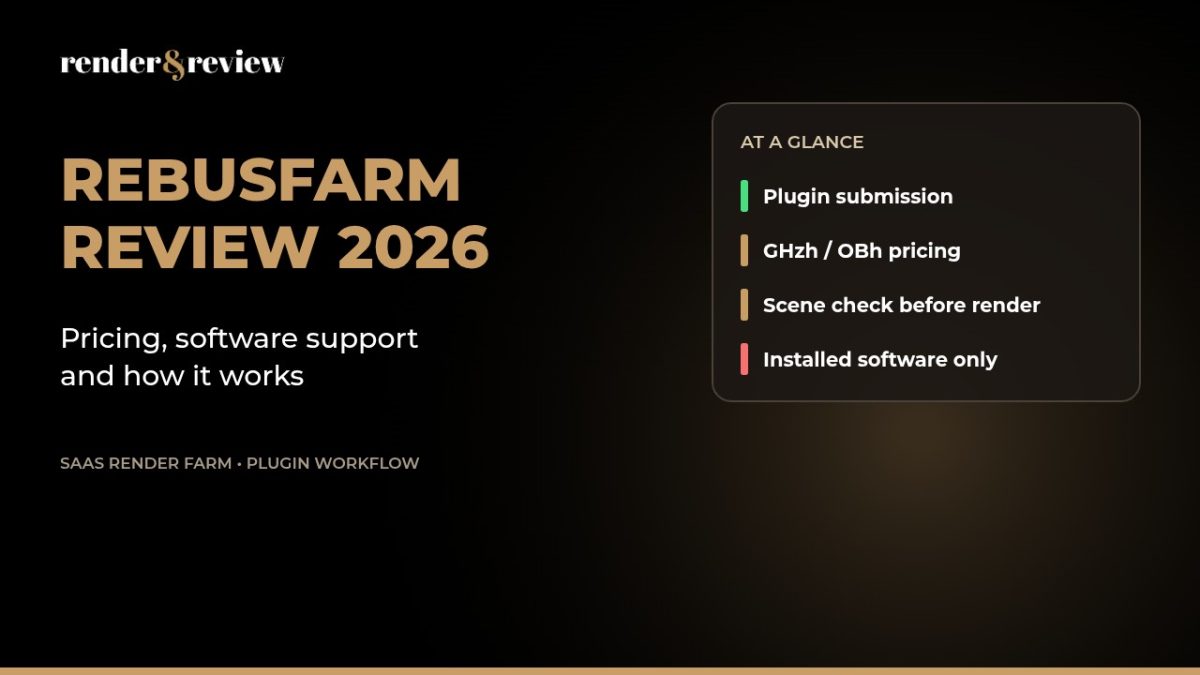
RebusFarm suits 3ds Max and Cinema 4D artists who want plugin-based submission and prepaid RenderPoints that never expire, at 1.20 euro cents per GHz-hour and 0.45 euro cents per OB-hour. It does not list Houdini or Unreal Engine, and it deletes results seven days after delivery. See our RebusFarm review.
3.5 iRender (remote GPU servers)
iRender rents a whole Windows machine with 1, 2, 4 or 8 RTX 4090 or RTX 5090 cards, so the hardware is known before you start. iRender’s machines come with Cinema 4D, Redshift, Octane and Blender pre-installed in their latest versions (licences come pre-activated only for iRender Prime members; other users activate their own); Houdini, Unreal, D5, Twinmotion and plugins you install yourself, and the machine keeps that setup between sessions. Its price page lists $8.20 per hour for one RTX 4090 and $10.80 for one RTX 5090. The downside is the wait: each start takes roughly 7 to 15 minutes to boot before you can work, and billing runs until you press Shutdown.
On data protection, iRender states that its data center is rated Uptime Tier III and holds ISO 27001 (BS7799), ISO 20000 (ITIL) and ISO 9001:2000 certification. Its terms say client projects are kept confidential and an NDA can be signed on request. We have not verified these claims independently.
4. Matching the Alternative to Your Workflow
Which Service Type Fits Which Need
General guidance; confirm exact versions with each provider.
| Your situation | Better fit | Why |
|---|---|---|
| High total spend on Fox+|Stay on Fox:| | Diamond rate after more than $10,000 recharged | |
| Occasional jobs, small budget~|Flat-tier or per-machine pricing:| | No spend threshold to reach a lower rate | |
| GPU scene needing known VRAM~|Farm that publishes its GPUs:| | Plan memory before submitting | |
| KeyShot, D5, Lumion or Twinmotion+|Remote GPU server:| | Interactive machine with the tool installed | |
| Custom plugins or exact builds+|Remote GPU server:| | You install what the scene needs | |
| Houdini with Karma XPU~|Farm that lists Karma XPU:| | Confirm the XPU path, not just Karma |
For background on the two service models, see SaaS vs IaaS render farms for VFX. If you are comparing other farms as well, read GarageFarm alternatives and RebusFarm alternatives.
5. Comparing Cost Fairly
Fox prices per node-hour, GarageFarm, RANCH and RebusFarm per GHz-hour and OB-hour, GridMarkets per machine-hour and iRender per machine per hour. A node-hour on one farm and a machine-hour on another can involve very different hardware, so unit prices alone mislead. Render the same frame range on each shortlisted service, add upload time, retries and any extra RAM or software charges, then divide by frames delivered. Our cost per frame guide walks through it.
6. SOP: Moving a Project Off Fox Renderfarm
6.1 Step 1: Download results within 20 days
Fox deletes files 20 days after rendering completes. Download finished frames and any project data you need before switching.
6.2 Step 2: List every dependency
Write down the host version, renderer build, plugins and any extra RAM your jobs needed on Fox. This list decides which alternatives can run the scene.
6.3 Step 3: Package the project
Collect assets into one folder with relative paths, cache simulations and render one frame locally from the packaged copy. Our packaging guide has the full checklist.
6.4 Step 4: Run the same test on two services
Use trial credit to render the same frames on your shortlist, including one remote server if software control or a real-time tool is the reason. Compare output first, then cost per frame.
6.5 Step 5: Spend down or keep your balance
Fox’s terms say refunds go back to the account balance and bonus credit is non-refundable, so plan to use remaining credit on jobs Fox handles well rather than expecting cash back.
See more: GarageFarm Alternatives | RebusFarm Alternatives | Render Farm Cost per Frame
FAQ: Fox Renderfarm Alternatives
Managed alternatives include GarageFarm, GridMarkets, RANCH Computing and RebusFarm, each with a different pricing model and software focus. A remote GPU server such as iRender is the option when you need control over the machine. No single provider fits every project, so start from your reason for leaving.
Fox’s pricing page lists CPU rendering at $1.224 per node-hour on the Ordinary plan, falling to $0.734 on the Diamond plan once more than $10,000 has been recharged. GPU rates are not shown on the pricing page, and extra RAM or some software can cost more.
Its specifications and pricing pages, read in November 2026, list server counts and storage but no GPU models, VRAM per card or GPU rates. If VRAM matters for your scene, ask Fox directly or compare with farms that publish their GPU fleets.
Yes. Fox lists Unreal Engine 4.27.2 and later through Movie Render Queue, with Lumen, Nanite and the Path Tracer, and says failed frames are not billed. Real-time tools such as D5, Lumion and Twinmotion are not listed and usually need an interactive GPU machine.
Fox’s terms of service say files are deleted automatically 20 days after rendering completes. Download results and keep your own archive rather than relying on the farm for storage.
It depends on your volume and scene. Fox’s rate drops as your total recharge grows, while other farms use priority tiers or per-machine pricing. Render the same frames on each service and compare cost per finished frame, including upload time, retries and extra charges.

No comments