


Top 5 Best Blender Render Farms 2026
In this article, we’ll explore the best Blender render farms in 2026, helping you choose the right solution for faster renders, lower costs, and stress-free production.
Table of Contents
Introduction
Blender has come a long way. With Blender 4.x and the early adoption of Blender 5.0, artists are now working with heavier geometry nodes, cinematic lighting, ultra-dense simulations, and massive VDB files. While these upgrades unlock incredible creative freedom, they also push local workstations to their limits. Rendering on a single machine is no longer practical for professional timelines.
The price of next-generation GPUs like the RTX 5090 (Blackwell architecture) and rising global electricity costs make local rendering an expensive bottleneck. Even powerful setups struggle with long render times, overheating, and hardware depreciation.
Choosing the best Blender render farm in 2026 is no longer a luxury; it’s a strategic business decision. Render farms provide scalable GPU power, predictable costs, and faster turnaround times, helping artists and studios stay competitive.
What makes the best Blender render farm in 2026?
- Optimized GPU Performance for Blender Cycles
A top-tier Blender render farm in 2026 must be built around high-performance GPUs optimized for Cycles. Modern GPUs such as NVIDIA RTX 4090 or professional Ada-series cards deliver massive CUDA and OptiX acceleration with large VRAM capacity is essential for handling complex Blender scenes.
- Full support for the latest Blender versions
The best Blender render farm always stays up to date with the latest Blender releases. Support for Blender 3.x, 4.x, and future versions ensures artists can render projects without downgrading files or losing features. This compatibility is critical as Blender evolves rapidly, introducing improvements to Cycles, Geometry Nodes, and overall performance.
- Flexible scalability for any project size
Scalability is a key advantage of using a professional Blender render farm. Whether rendering a single still image or thousands of animation frames, the farm should scale resources instantly. This ability to scale on demand helps artists and studios meet tight deadlines without investing in expensive hardware.
- User-friendly interface
An intuitive workflow is essential for productivity. Clear dashboards, real-time progress tracking, and detailed render logs make it easy to manage projects and identify issues.
- Transparent pricing and cost efficiency
Pricing transparency is a defining characteristic of a trusted Blender render farm. Clear GPU-hour pricing, accurate cost estimates, and no hidden fees help users plan budgets effectively.
The Top 5 Blender Render Farms of 2026
Below are the top 5 best render farms to help speed up rendering and improve your workflow with Blender scenes.
iRender – Best for full control & multi-GPU
Why it wins:
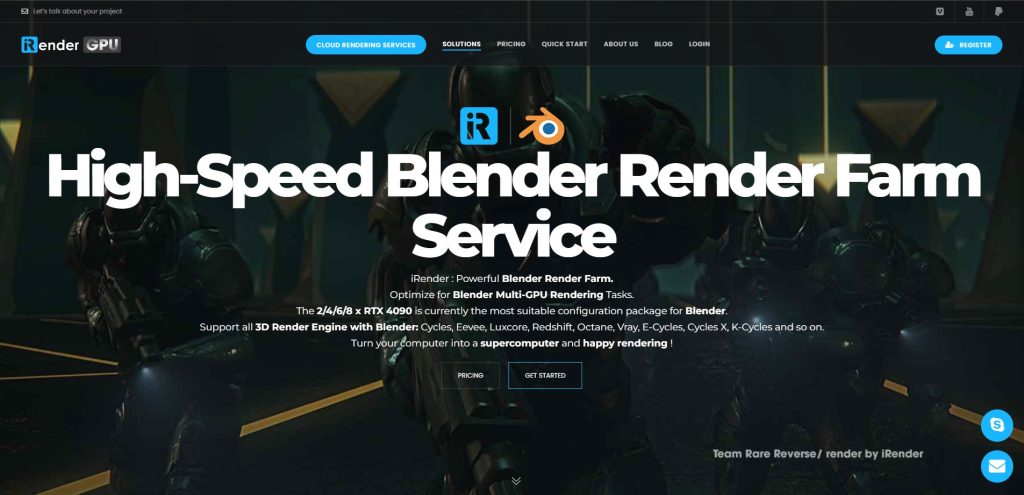
iRender operates on an Infrastructure as a Service (IaaS) model, giving users full remote desktop access to powerful GPU servers. You work exactly as you would on your own machine.
Key Strengths:
- iRender offers 1/2/4/6/8 x RTX 4090 servers and the soon availability of RTX 5090, which is best for rendering with Cycles.
- Full support of Blender versions and control over Blender settings and add-ons.
- Since you essentially use your own Blender instance, all plugins, add-ons, and custom setups work flawlessly.
Pricing: Start from $8.2/node/hour to $52/node/hour
GarageFarm – Best for ease of use & plugin integration
Why it wins:
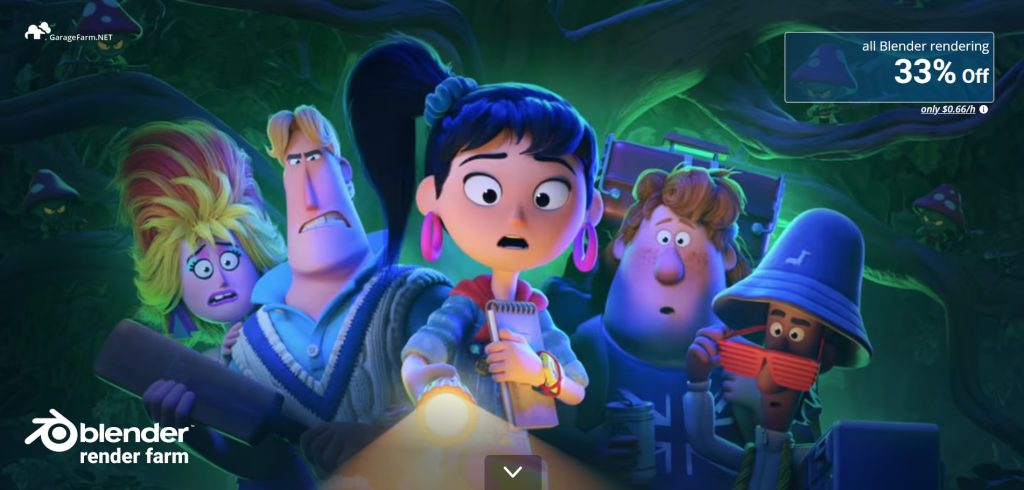
GarageFarm offers one of the most user-friendly Blender plugins available. It automatically checks your scene for missing assets or errors before uploading.
Feature Focus:
- Automatic error checks and smart asset syncing make the upload process smooth and fast.
- The most intuitive experience, with a clean dashboard, one-click uploads, and automatic error detection.
- Fast support for the newest Blender releases and seamless integration via its Blender plugin, ensuring compatibility with the latest features and Cycles updates.
Pricing: The price starts at $0.024/GHzh for CPU rendering and $0.004 per OB hour for GPU rendering.
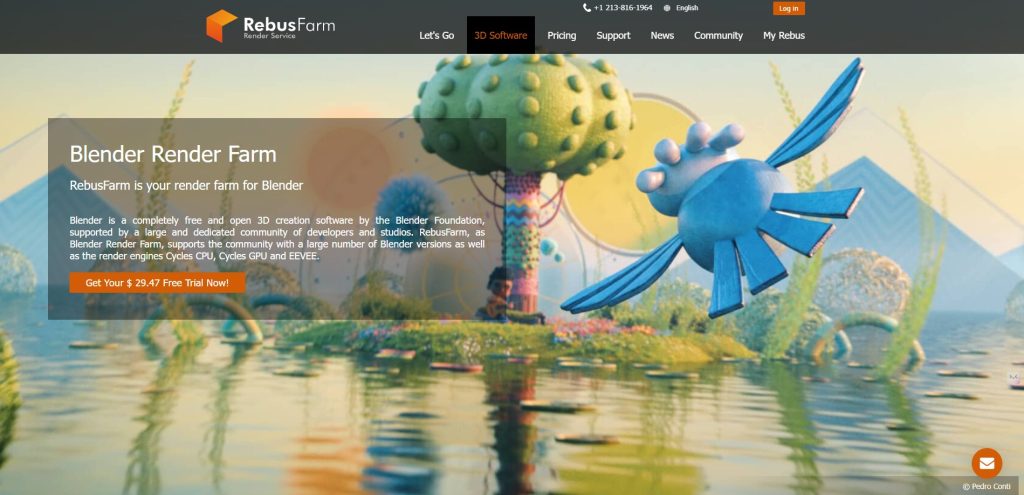
RebusFarm – Best for speed & reliability
Why it wins:
RebusFarm is known for its massive server capacity and rock-solid performance. When deadlines are tight, reliability matters more than anything.
Feature Focus:
- Extremely fast performance with both CPU and GPU nodes.
- Strong workflow with an intuitive interface and real-time monitoring via Control Center, perfect for professional pipelines.
- Excellent support for current Blender versions, with quick updates when new releases roll out and reliable scene handling.
Pricing: The CPU costs 1.39 cents/GHzh while the GPU costs 0.52 cents/OBh.
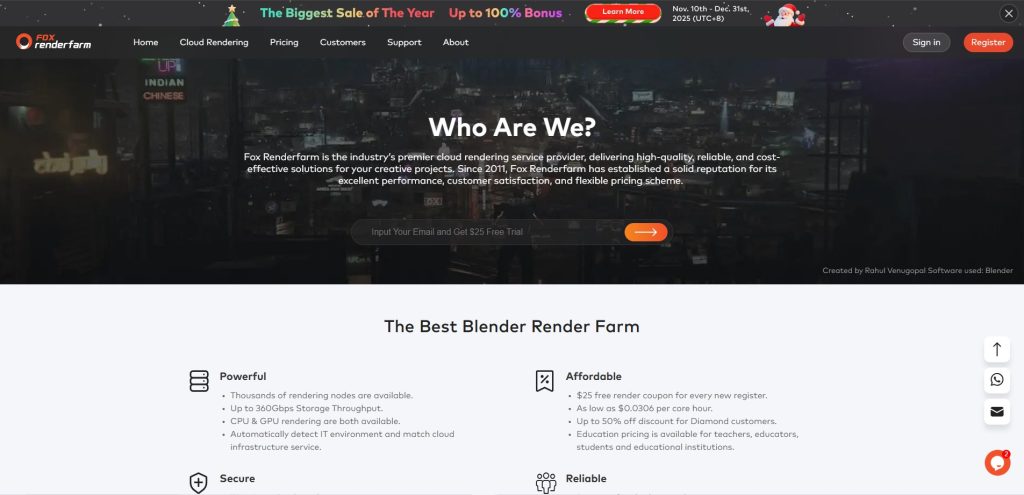
Fox Renderfarm – Best value for money
Why it wins:
Fox Renderfarm offers competitive pricing for both CPU and GPU rendering while maintaining enterprise-level security.
Feature Focus:
- TPN-Accredited security for NDA projects
- Strong balance of CPU/GPU hardware, reliable for most Blender workloads.
- Global data centers
- Supports Blender well, but plugin features and workflows are less refined compared to GarageFarm.
- Easy to use with clear settings and dashboard, though setup can feel slightly technical for first-timers.
Pricing: The cost for CPU is $0.051/core/hour, while that of GPU is $7.8/node/hour.
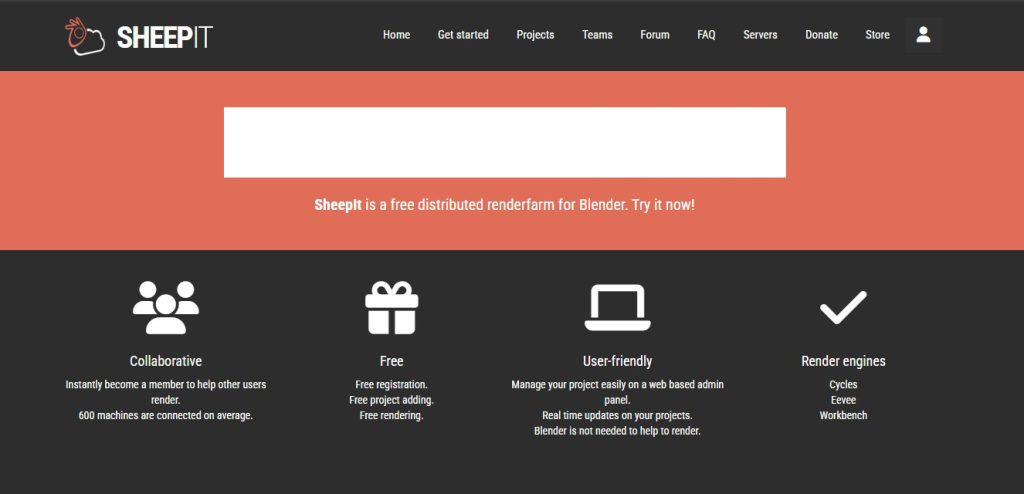
SheepIt – Best Free Blender Render Farm
Why it wins:
SheepIt remains the largest community-driven Blender render farm, allowing users to earn render power by sharing their own hardware.
Feature Focus:
- Community-powered – hardware depends on contributors.
- Great free option, but inconsistent performance for heavy tasks.
- Blender-only platform
- Ideal for learning and testing
Pricing: Free
Conclusion
Which Blender render farm should you choose in 2026?
- Freelancers: GarageFarm or Fox Renderfarm
- Professional artists & power users: iRender
- Studios with tight deadlines: RebusFarm
- Students & hobbyists: SheepIt
The best Blender render farm in 2026 depends on your workflow, budget, and project scale, but one thing is clear: cloud rendering is no longer optional.
Which farm are you using for your 2026 projects? Let us know in the comments below!
See more: Best Render Farm for 2026: Reflecting on 2025 and What’s Next

No comments