


Twinmotion Path Tracer Is Slow. Does Multi-GPU Help?
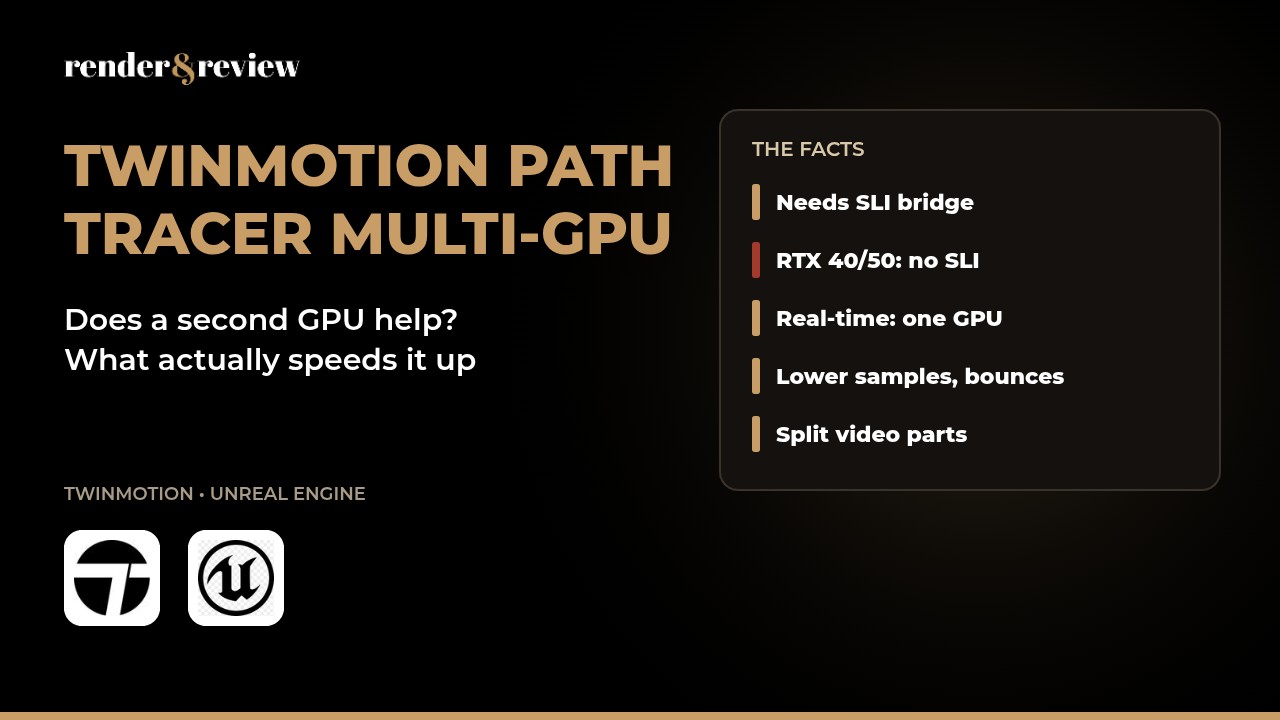
The Twinmotion Path Tracer multi-GPU option depends on NVIDIA SLI, so on RTX 40 and RTX 50 systems the realistic speed-ups come from settings and from splitting video exports.
- Epic’s figure: multi-GPU can improve Path Tracer performance by 50% up to 200%, depending on the setup.
- The catch: it requires NVIDIA SLI, which on most cards means a physical NVLink or SLI bridge; RTX 40 and RTX 50 GeForce cards have no such connector.
- Real-time mode: Epic states multiple GPUs do not accelerate real-time rendering.
- Fastest wins: lower Samples per pixel and Max bounces, use the Denoiser, and test at the final resolution.
- Sequences: export by Video part as PNG or EXR sequences and render parts on separate machines.
Twinmotion’s Path Tracer produces far better light than real-time mode, but a single 4K frame can take minutes, and an animation can take all night. The natural next thought is adding a second GPU. Epic does document a multi-GPU option, but the details matter, and on current RTX cards they rule it out. This guide explains what Epic says about Twinmotion Path Tracer multi-GPU, why RTX 40 and 50 systems cannot use it, and the settings and export workflow that actually shorten renders, for single stills as well as long animations.
Table of Contents
1. What Epic Actually Says About Multi-GPU
Epic’s Path Tracer requirements page states that using multiple GPUs can improve the Path Tracer’s rendering performance anywhere from 50% up to 200%, and that the improvement varies with the computer setup. The same page sets the conditions: Twinmotion supports multiple NVIDIA GPUs through NVIDIA’s Scalable Link Interface (SLI), which needs a physical bridge, either NVLink or an SLI connector depending on the card generation. SLI must be enabled first, then the Multi-GPU checkbox is turned on under Edit, Preferences, Settings, Path tracer.
Epic also notes that multiple GPUs do not accelerate rendering when Twinmotion is used in real-time mode. The multi-GPU option is for the Path Tracer only.
2. The RTX 40 and RTX 50 Problem
NVIDIA removed NVLink from its RTX 40 generation; at launch, NVIDIA’s CEO said the I/O was needed for other purposes. RTX 50 GeForce cards also lack an NVLink or SLI connector. Because Twinmotion’s multi-GPU path depends on SLI, two RTX 4090 or RTX 5090 cards in one machine do not speed up the Path Tracer. A reply on Epic’s forum in 2024 made the same point for a dual RTX 4090 system.
For a single still or a single video part, one fast GPU is therefore what matters. When choosing hardware, look at ray tracing performance and VRAM on one card. Epic’s specifications ask for at least 8GB of dedicated VRAM for the Path Tracer, an NVIDIA RTX or AMD RX 6000 series card or newer, DirectX 12 and Windows.
2.1 What hardware to prioritise instead
Epic’s general specifications describe two tiers. The minimum calls for 6GB of dedicated VRAM and 16GB of system RAM; Epic notes minimum systems are not suited to Lumen and recommends at least 8GB of VRAM for the Path Tracer. The high-end tier lists 12GB of VRAM and 64GB or more of system RAM. For path-traced work, those numbers translate into a simple priority list: one GPU with strong ray tracing performance and plenty of VRAM, enough system memory for large imported models, and a fast CPU for scene preparation.
Spending the same budget on one stronger card instead of two mid-range cards gives better results in Twinmotion for both real-time and Path Tracer work. If you already own two modern cards, the second can still run other GPU-heavy applications alongside Twinmotion, but it will not speed up one render.
3. Path Tracer Settings That Change Render Time
The quickest savings are in the Path Tracer settings on the Render tab, and they cost nothing to test. Epic’s documentation lists these controls:
Twinmotion Path Tracer Settings That Affect Speed
Setting names from Epic’s documentation, with their effect on render time.
| Setting | Effect on speed | Notes |
|---|---|---|
| Samples per pixel1 to 8192 | Biggest lever: fewer samples, faster frames | More samples mean less noise and longer renders |
| Max bounces1 to 100 | Fewer bounces, faster: | Interiors need more than exteriors |
| DenoiserOn or Off | Lets you use fewer samples: | Check animations for flicker |
| Quality presetLow, Medium, High | Low for exteriors, High for interiors: | Default presets set samples and bounces |
| Emissive materialsOn or Off | Off removes emissive bounce light: can reduce noise | Keep on where lights matter |
| Output size2K, 4K, custom | 4K has four times the pixels of 2K: | Use final size only for finals |
Twinmotion’s preferences include default sample presets: Low uses 8 samples per pixel and 6 bounces, Medium 64 samples and 8 bounces, and High 256 samples and 10 bounces. Starting from Medium and raising only for shots that need it keeps most renders short. The Upscaling option in preferences affects only the Path Tracer viewport, not exported images, so it helps interactive work but not final render time.
4. Ways to Shorten a Path-Traced Sequence
Animation multiplies every second per frame by hundreds or thousands of frames, so the export workflow matters just as much as the settings.
- Test one heavy frame at final resolution and settings, then multiply by the frame count to estimate total time before exporting the full video.
- Use real-time mode for drafts and keep the Path Tracer only for approved animations and final stills.
- Export image sequences, not MP4, for long renders. Twinmotion’s video export offers PNG and EXR sequences, so finished frames stay on disk after an interruption; export cannot resume mid-part, so keep parts short.
- Split by Video part: the export settings include a Video part option to choose which parts of an animation to export. Render different parts on different machines and assemble them in editing.
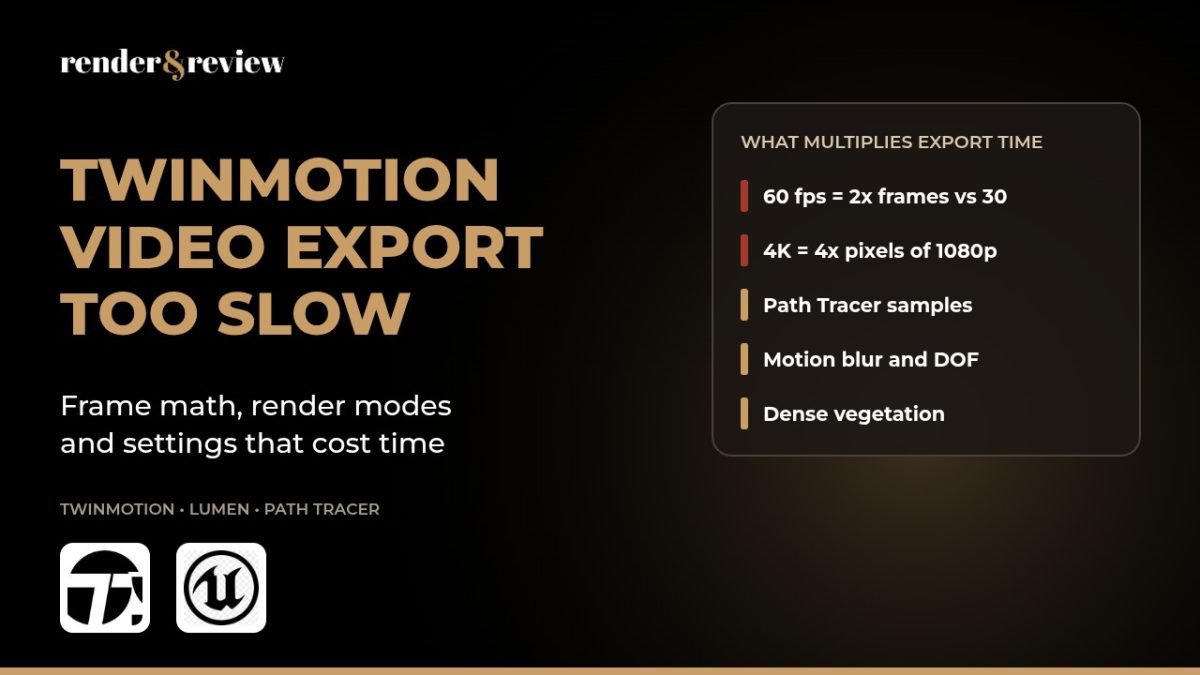
- Use the lowest frame rate the project accepts: 30 fps instead of 60 halves the frame count.
4.1 How splitting across machines works
Epic’s export documentation does not list a start and end frame field, so the practical unit for splitting is the video part, or separate videos and cameras. Divide the animation into parts of similar length and complexity, export each part as a PNG or EXR sequence on a different machine with identical Twinmotion versions and project files, then combine the sequences in your editing or compositing software. Because each machine renders whole parts independently, the speed-up scales with the number of machines, as long as parts are evenly balanced.
4.2 Keep every machine identical
Splitting only works if every part looks the same. Use the same Twinmotion version on every machine, copy the full project including imported assets, and render a test frame from each part before the full export. Small differences in version or missing assets show up as jumps in lighting or materials where parts meet. Note the export settings, including output size, frame rate, samples and bounces, so every machine uses identical values.
5. Real-Time Mode vs Path Tracer
Real-time mode, including Lumen, renders on one GPU and gains nothing from extra cards, according to Epic. It remains the right tool for design reviews, client walkthroughs and draft animations. The Path Tracer is for final stills and animations where physically based light matters. A common workflow is to set up and approve everything in real time, then switch to the Path Tracer only for the final export. This keeps the slow, high-quality renders for frames that are already signed off, and means a change requested late in the project costs a quick real-time preview rather than another overnight path-traced render.
6. Rendering Long Sequences on Remote Machines
If you need several machines for video parts but do not own them, remote GPU workstations are one option: each runs its own Twinmotion session and renders one part. iRender rents such servers with RTX 4090 or RTX 5090 cards. Note that a multi-card server does not help a single Twinmotion session, because of the SLI requirement, so separate single-GPU machines suit this workflow better. The trade-off is setup: each machine needs Twinmotion installed and the project uploaded before it can render.
See more: D5 Render Viewport Lag: Fixing the GPU Bottleneck | RTX 5090 vs 4090 for Rendering | How to Cut Render Time
FAQ: Twinmotion Path Tracer Multi-GPU
Yes, but only through NVIDIA SLI with a physical NVLink or SLI bridge, according to Epic’s Path Tracer requirements page, which quotes improvements of 50% up to 200%. You enable SLI, then the Multi-GPU checkbox under Edit, Preferences, Settings, Path tracer. Real-time mode gets no multi-GPU benefit.
Not in one Twinmotion session. RTX 40 and RTX 50 GeForce cards have no NVLink or SLI connector, and Twinmotion’s multi-GPU option requires SLI. To use two cards, render different video parts on separate machines.
Lower Samples per pixel and Max bounces to the minimum that looks clean, keep the Denoiser on, choose the Low or Medium quality preset where possible, and test at final output size. Exporting PNG or EXR sequences protects long renders from interruptions.
Yes, by video part. Twinmotion’s export settings let you choose which video parts to export, so each machine can render different parts as PNG or EXR sequences. Use the same Twinmotion version and project files on every machine, then assemble the sequences in editing software.
Epic’s requirements ask for at least 8GB of dedicated VRAM for the Path Tracer, on an NVIDIA RTX or AMD RX 6000 series card or newer, with DirectX 12 on Windows. Larger scenes and higher resolutions benefit from more memory on a single card.
No. Epic states that multiple GPUs do not accelerate Twinmotion’s real-time rendering. Real-time mode and Lumen use one GPU, so a single strong card is what improves viewport and real-time export performance.

Pingback:Twinmotion Real-Time Mode Only Uses One GPU. Why? - VFXRendering | 15 October, 2026
|
Pingback:Twinmotion Video Export Too Slow? How to Speed It Up - VFXRendering | 20 November, 2026
|