


What is the best Redshift render farm in 2026?
If you’re working with Redshift, you’ve probably noticed how fast it has become one of the most popular render engines in the 3D industry. As projects grow more complex, the demand for cloud-based Redshift render farms is rising rapidly. In this article, we’ll explore what the best Redshift render farm is in 2026, help you boost both rendering speed and overall workflow quality. Whether you’re an individual artist or a professional studio, this guide will help you choose the right Redshift render farm for your needs.
Let’s dive in!
Table of Contents
Overview of Redshift
Redshift is a powerful, GPU-accelerated, biased 3D renderer from Maxon, designed for high-end production, offering incredibly fast rendering for CG, VFX, and architectural visualization by leveraging your graphics cards.
Key features of Redshift
- GPU-Accelerated: Uses your GPUs for calculations, significantly speeding up render times compared to traditional CPU renderers.
- Biased Rendering: Offers flexible methods to balance speed and quality, allowing artists to “cheat” for faster results or use physically accurate settings for photorealism.
- High Performance: Designed for demanding production workflows, handling complex scenes and delivering high-quality CGI and animations.
- Integration: Seamlessly integrates with industry-standard 3D applications, including Cinema 4D, Maya, 3ds Max, and Houdini.
- Scalability: Benefits from multiple GPUs, meaning more powerful hardware leads to faster renders.
Therefore, the ideal render farm for Redshift must provide an environment that enables users to fully leverage the software’s capabilities.

Why need a Redshift render farm?
Using a Redshift render farm can help you:
- Dramatically reduce render times, completing frames in minutes rather than hours.
- Render complex, heavy scenes that would otherwise cause crashes or performance issues on local hardware.
- Increase productivity by offloading rendering to the cloud and continue working without slowing down your local machine.
- Use multiple GPUs to match your project deadline.
In short, a Redshift render farm delivers high-performance, scalable rendering without the need to invest in expensive, high-end hardware.
Features to look for in a Redshift render farm
Not every render farm delivers the same level of performance, especially when it comes to Redshift. To choose the right solution, here are the essential features to consider when selecting a Redshift render farm:
- Full compatibility with the latest Redshift releases.
- Access to cutting-edge GPUs such as RTX 5090, RTX 4090, or powerful multi-GPU servers.
- Comprehensive plugin support for tools like X-Particles, Forester, and TurbulenceFD.
- High-speed upload and download performance to minimize workflow bottlenecks.
- An intuitive control dashboard or RDP access for managing and tracking render jobs.
- NDA agreements or private render nodes for sensitive or confidential projects.
- A reliable customer support team to quickly resolve issues and keep production on track.
Choosing the right render farm ensures your project runs smoothly from start to finish.
Top 3 best Redshift render farm in 2026
1. iRender
iRender stands out by offering an IaaS (Infrastructure as a Service) model. Unlike traditional farms, you rent a powerful remote server and access it via Remote Desktop.
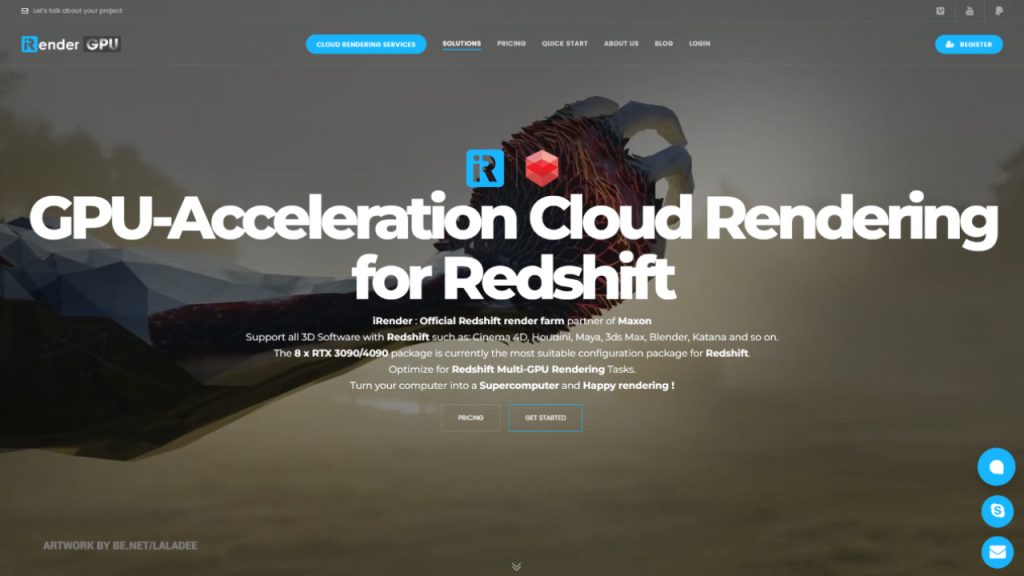
Workflow: Select the suitable package and connect to the remote machine via the Microsoft Remote Desktop app. Users will set up your working environment (install any version of any software and plugins/addons and use your personal licenses) and use the remote machine like it’s their own computer.
Supported Software & Versions: Since you have full control over the machine, iRender supports all Redshift versions.
Hardware: They offer the most powerful GPU stacks on the market, featuring RTX 4090 (up to 8 cards per node).
Pros:
- No “version mismatch” errors.
- You can install any 3rd-party plugins (X-Particles, Forester, etc.).
- High VRAM (24 GB per card) for massive textures.
Cons:
- You need to spend time setting up your environment and transferring files.
- Requires technical skill.
Best for: VFX studios and artists with highly customized pipelines or massive scenes that require specific plugin versions.
2. RebusFarm
RebusFarm is one of the most established cloud render farms in the industry, well known for its simple, one-click SaaS workflow. It is designed for artists who want fast results without dealing with server configuration or technical setup.
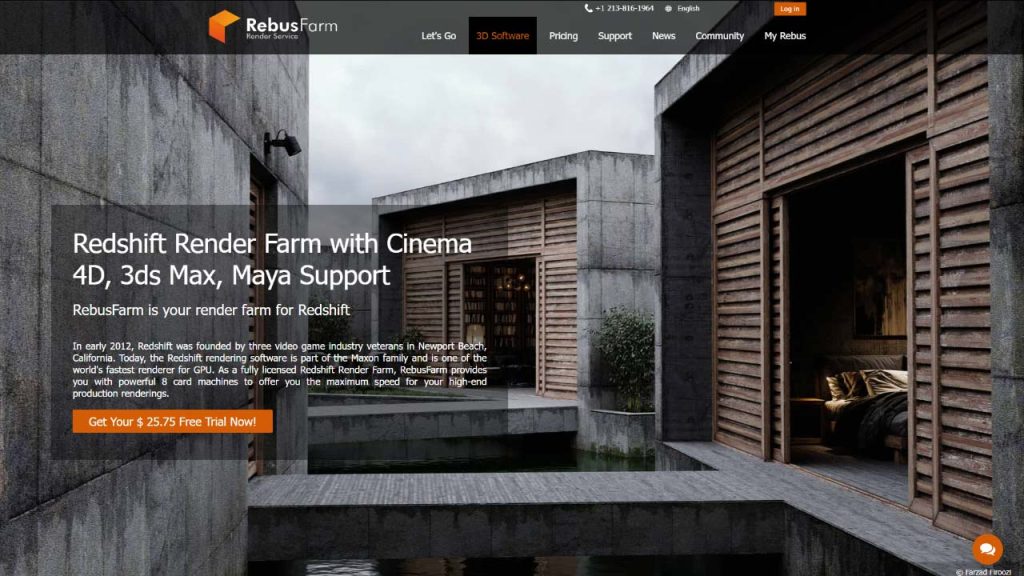
Workflow: Their plugin, RebusDrop, checks your scene for errors (missing textures or caches) before uploading. Once you hit “render,” the farm distributes your frames across hundreds of nodes simultaneously.
Supported Software & Versions: They support almost all releases of Redshift (2.6, 3.0, 3.5, 3.6, 2025). It supports integration with Cinema 4D, Maya, and 3ds Max.
Hardware: NVIDIA RTX 4080 series GPUs
Pros:
- Incredible parallel rendering speed.
- The plugin helps detect missing textures, caches, or incompatible settings before rendering, reducing failed jobs.
- Trusted brand with many years of industry experience.
Cons:
- You cannot customize drivers, Redshift versions, or system settings beyond what Rebus provides.
Best for: Freelance motion designers and small teams who need to meet tight deadlines without managing server setups.
3. Fox Renderfarm
Fox Renderfarm is a large-scale cloud render farm trusted by studios worldwide for feature films, TV series, and commercial productions. It offers a balanced combination of performance, affordability, and security, making it one of the most competitive Redshift render farms in 2026.
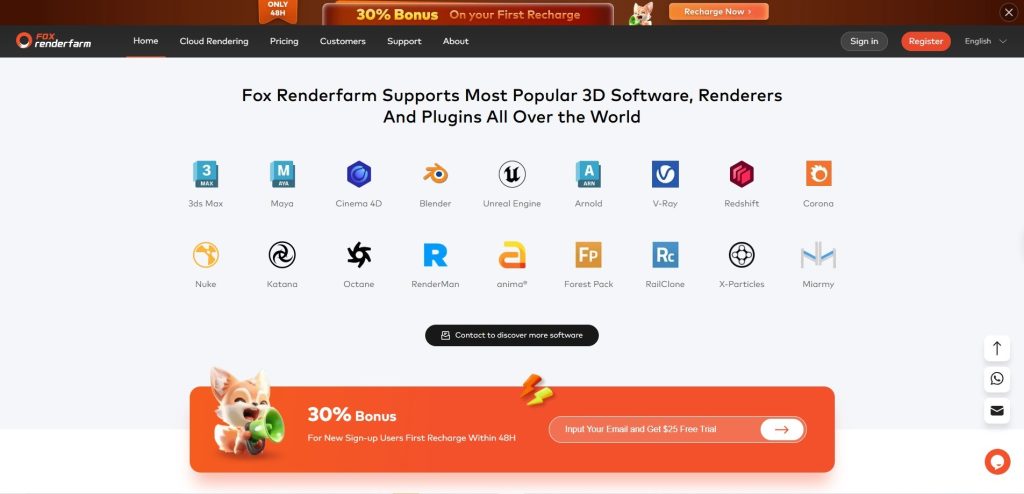
Workflow: After creating an account, users need to follow only 4 steps, which include uploading assets, submitting a job, analyzing scenes, and finally rendering.
Supported Software & Versions: They support a wide array of Redshift versions across Cinema 4D, Maya, 3ds Max, and Houdini.
Hardware: GTX 1080Ti, RTX 2080Ti/3060/3090/4090/5090
Pros:
- Extremely competitive pricing with frequent “top-up” bonuses.
- High-speed data transfer tools (Raysync).
- Easy-to-use submission tools with minimal setup.
- Their security protocols are elite – essential for high-budget commercial work.
Cons:
- Custom or rare plugin versions may require prior confirmation.
- They are not really good at response time from the customer support team.
Best for: Large-scale animation projects and budget-conscious studios that require top-tier security and bulk rendering.
Which one is the best Redshift render farm for your project?
There is no single “best” Redshift render farm for everyone. The right choice depends on your workflow, project scale, technical experience, and deadline.
If you need full control over your environment, use custom plugins, or work with extremely heavy scenes like an IaaS platform, iRender is the best option. Its IaaS model lets you install any Redshift version, third-party plugins, and personal licenses, making it ideal for professional studios and advanced users.
If you prefer a simple, fast, and beginner-friendly solution of a SaaS render farm, you can consider both Fox Renderfarm and RebusFarm. With its one-click submission workflow and reliable Redshift support, it’s perfect for large projects, freelancers or small teams who want to focus on creativity instead of technical setup.
Frequently asked questions
- What is a Redshift render farm?
A Redshift render farm is a cloud-based service that uses multiple high-performance GPUs to render Redshift projects faster than a local workstation. It allows artists to scale resources on demand without investing in expensive hardware.
- Is Redshift suitable for cloud rendering?
Yes. Redshift is designed for GPU acceleration and scales extremely well in cloud environments. When paired with a professional render farm, it can dramatically reduce render times for animations and complex scenes.
- How much does it cost to use a Redshift render farm?
Pricing varies depending on the render farm, GPU type, render time, and billing model. Some farms charge per hour or per frame, while others offer monthly or server-based pricing. In most cases, using a render farm is more cost-effective than upgrading local hardware.
- Do Redshift render farms support plugins?
Most professional Redshift render farms support popular plugins such as X-Particles, Forester, and TurbulenceFD. However, support may vary by version, so it’s important to check plugin compatibility before submitting your job.
- Can I use my own Redshift license on a render farm?
Yes, but only with IaaS-based render farms like iRender. SaaS-based farms usually include Redshift licensing in their service, meaning you don’t need to use your own license.
- Is my data safe on a Redshift render farm?
Reputable render farms use encrypted data transfer, secure servers, and NDA agreements to protect client assets. If you are working on confidential or commercial projects, choose a farm with proven security standards.
- Which Redshift render farm is best for animation?
For large animation projects, Fox Renderfarm and RebusFarm are excellent choices due to their strong parallel rendering capabilities. For highly customized or plugin-heavy animations, iRender offers the most flexibility.
See more:

No comments