


Flickering Between Frames in My Animated VFX Render: Why and How to Fix
Flickering between frames in your animated VFX render: Why and How to fix? Flicker in a rendered animation, where you see surfaces shimmer or the lighting pulses frame to frame, almost always comes from one of three things. Too few samples, so residual noise lands differently each frame and reads as shimmer. A per frame denoiser that cleans each frame in isolation, producing slightly different results that flicker in motion. Or global illumination recomputed per frame, where a cached GI solution changes between frames. There are seperate fixes for the cause: raise samples until the noise settles, switch to a temporal denoiser that considers neighbouring frames, and use brute force or consistent GI for animation. This render flicker is separate from a simulation that solves differently each run, which is a different problem.
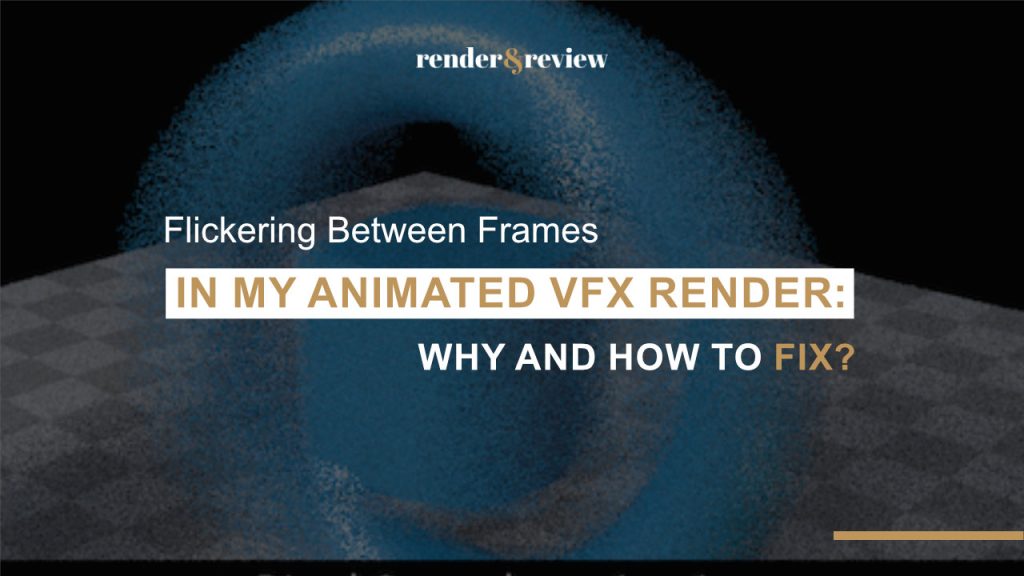
Your still frame looks clean, but when playing the sequence back, the surfaces start to crawl, the shadows breathe, and there is a subtle shimmer that was invisible one frame at a time. Flicker only shows up in motion, which is what makes it sneaky, because everything you checked as a single frame cannot detect it. The good news is that render flicker has a short list of causes, and once you know which one you are looking at, the fix is specific.
Table of Contents
The Three Causes, and How to Spot Each
Each cause has a signature once you know what to look for.
- Noise flicker. The shimmer looks grainy and lives in the darker or noisier areas. Residual noise from too few samples lands in a different pattern each frame, so it crawls. If bumping samples on a test range calms it, this was it.
- Denoiser flicker. The image is clean but the surfaces subtly shift or smear frame to frame. A denoiser working on each frame alone makes slightly different decisions per frame, which flickers in motion even though each frame looks fine still.
- GI flicker. The overall lighting pulses brighter and darker, or splotches move. A cached global illumination solution recomputed per frame, like irradiance or light cache, changes between frames and reads as a lighting flicker.
How to Fix Each Type
| Flicker type | What it looks like | Fix |
|---|---|---|
| Noise | Grainy crawl in dark areas | Raise samples until noise settles, use adaptive sampling carefully |
| Denoiser | Clean but surfaces shift or smear | Use a temporal denoiser that considers neighbouring frames |
| Global illumination | Lighting pulses or splotches move | Brute force GI for animation, or a single consistent cached solution |
On one shot, a 128 sample render still shimmered in the shadows, and a single frame denoiser made it worse by cleaning each frame differently. Try pushing to 512 samples where the noise was worst and switching to a temporal denoiser that looks across frames settled it, without brute forcing the entire sequence to a huge sample count. The point is to raise quality where the flicker actually is, not everywhere.
Do Not Confuse It With Sim Flicker
One thing to rule out first: if the flickering object is a simulation, the cause might not be the render at all. A sim that solves differently each run makes the animation itself inconsistent, which is a separate problem covered in our non deterministic sims guide. Render flicker is in the shading, noise, and lighting of a stable animation. Sim flicker is the motion itself changing. Check whether the geometry and motion are identical frame to frame before you chase samples and denoisers.
Where Cloud Helps, and Where It Does Not
The main cure for noise flicker is more samples, which is slower, and this is where rented GPUs shines, since you can push sample counts and spread the heavier frames across machines without your workstation grinding for days. iRender gives you RTX 4090 servers to render those higher sample passes faster. However, you need to understand that cloud speeds up getting more samples, it does not diagnose or fix the flicker for you, and more samples means more render time, which on any paid farm means more cost. Fix the settings first, then use the speed to render the corrected version. How the servers and pricing work is in our iRender explainer, and farm options are in the comparison.
Need to push samples up to kill flicker without your machine grinding for days?
Render higher sample passes faster on iRender →
Frequently Asked Questions
Why is my rendered animation flickering between frames?
Render flicker almost always comes from too few samples, so residual noise lands differently each frame and crawls, a per frame denoiser that cleans each frame in isolation and shifts slightly in motion, or global illumination recomputed per frame that changes between frames. Each has a signature: grainy crawl means noise, clean surfaces that shift means denoiser, and pulsing lighting means GI.
How do I fix denoiser flicker in an animation?
Switch from a single frame denoiser to a temporal one that considers neighbouring frames when cleaning each frame, which keeps its decisions consistent across the sequence and removes the frame to frame shift. Denoising each frame in isolation is the cause, since the denoiser makes slightly different choices per frame that flicker in motion even when each still frame looks fine.
Is flicker a render problem or a simulation problem?
Check whether the geometry and motion are identical frame to frame. If they are, and only the shading, noise, or lighting shimmers, it is render flicker, fixed with more samples, a temporal denoiser, or consistent GI. If the object’s motion itself changes between renders, that is a simulation solving differently each run, a separate problem in the sim rather than the render.
See more: Best Cloud Rendering for VFX Denoising: AI Denoiser Performance on Cloud GPU


No comments