


Why Did My Render Farm Charge Me for Idle Time Overnight?
Why did your render farm charge you for idle time overnight? On an IaaS render farm, you rent a whole machine, and it bills from the moment it boots until you shut it down, whether it is rendering or sitting idle. If your job finished at 2am and you did not close the server until 9am, you paid for seven hours of a machine doing nothing. This is not a scam or a hidden fee. It is how renting a server works, the same as a rental car charging while it sits parked. SaaS farms bill per frame instead, so they have no idle charge. However, there’s a fix for that, and it is an auto shutdown that closes the server when the render finishes, so the bill stops when the work is done.
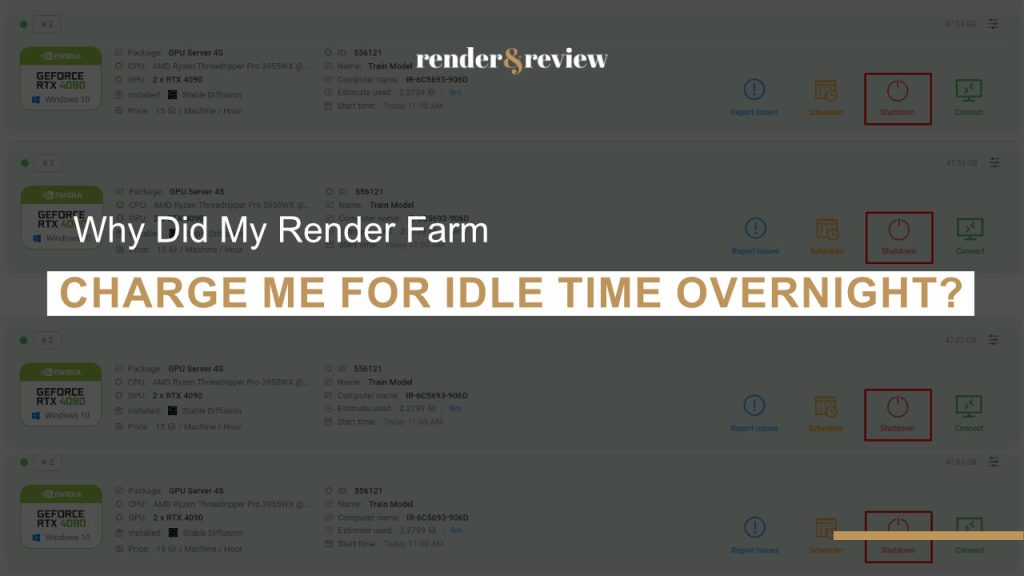
You check the invoice and there are hours on it where nothing rendered. The job was done by the early morning, but the charge runs to when you woke up and closed the server. It feels like being billed for nothing, and the first reaction is usually that something is wrong. Nothing is wrong. You rented a machine, and a rented machine costs money for as long as it is switched on, awake or not.
Why Idle Time Is Billed at All
An IaaS server is yours for the duration you have it running. The provider reserved that hardware for you, so it charges for the time it is allocated, not only the minutes the GPU was busy. The moment the render ends, the server keeps running, still yours, still billed, until you shut it down. This is genuinely different from a SaaS farm, where you pay per frame and the concept of idle time does not exist, because you never rented a machine in the first place. Understanding that difference is most of what our SaaS vs IaaS guide is about.
The cost is real, so it is worth seeing in numbers. A single GPU server left idle overnight might cost you little money for the wasted hours, while an eight GPU server doing the same could waste much more, since you are paying for all eight cards to sit there. Those figures scale with the rate and the hours, but the shape is the point: idle time on a big server is expensive precisely because the server is powerful.
Idle billing is the real weakness of the IaaS model, and it is entirely preventable. Every hour of idle cost comes from a server left on after the work finished, which could be eliminated by an automatic shutdown. Treat setting it up as part of submitting the job, not an afterthought.
How to Stop Paying for Idle Hours
| Method | How it works |
|---|---|
| Auto shutdown on completion | The server powers off when the render finishes, so idle time cannot accrue |
| Set a bounded frame range | The job ends at a known point rather than looping or waiting |
| Monitor from your phone | Check the job status remotely and shut down as soon as it is done |
| Scheduled shutdown time | A hard stop after the expected render window as a safety net |
What iRender Does About It
iRender runs the IaaS model, so idle billing applies exactly as described, the bill runs while the server is on. They are upfront that this is the model’s cost, and they provide an auto shutdown so the server closes when your render completes, which removes the overnight idle trap when you use it. Their message “Your renders, your rules” cuts both ways here: you control the machine, so stopping the bill is your control to exercise. The pricing, the per minute billing, and the shutdown feature are all in our iRender explainer. If you would rather never think about idle time, a SaaS farm’s per frame billing eliminates it entirely, and those are compared in the farm comparison.
Want the server to stop billing the moment the render finishes?
Use iRender’s auto shutdown so idle hours never accrue →
Frequently Asked Questions
Why did my render farm charge me for idle time?
Because on an IaaS render farm you rent a whole machine, and it bills from boot to shutdown whether it is rendering or idle. When a job finishes and the server stays on, it keeps charging until you close it. This is how renting a server works, not a hidden fee. An automatic shutdown that closes the server when the render completes prevents it.
How do I avoid paying for idle time on a render server?
Set an automatic shutdown that powers the server off when the render finishes, so idle time cannot accrue. Use a bounded frame range so the job ends at a known point, monitor the status remotely to close it as soon as it is done, and set a scheduled shutdown as a safety net. Idle cost is entirely preventable with a shutdown in place.
Do SaaS render farms charge for idle time?
No. SaaS farms bill per frame rendered, so there is no machine sitting idle on your account and no idle charge. Idle billing is specific to IaaS, where you rent a full server and pay for the time it is running. If avoiding idle cost matters more than controlling the environment, SaaS per frame billing removes the concern.
See more: Best Cloud Rendering for VFX: IaaS vs SaaS — Which Model Fits Your Studio?



No comments