


SaaS vs IaaS Render Farm for VFX: Which One Won’t Break My Pipeline?
Choosing between SaaS vs IaaS render farms relies entirely on where your pipeline encounters bottlenecks. Software as a Service (SaaS) platforms deliver ready-to-use rendering applications over the web with zero setup. You simply upload your scene file, and the farm automatically processes the frames and bills you per frame. In contrast, Infrastructure as a Service (IaaS) providers deliver remote, high-performance hardware where you rent virtual or physical machines. You must configure the operating system if needed, install software, and manage your licenses, with billing calculated per hour of machine usage. SaaS farms can break your pipeline if you use custom plugins or unsupported software versions. IaaS preserves your pipeline integrity by letting you duplicate your local setup, though it requires you to manage the virtual/physical servers.
Modern visual effects pipelines are incredibly complex, and finding the right cloud rendering solution can be really hard and takes you time. There is no absolute answer when deciding whether to rent a SaaS or IaaS farm for your production. While SaaS is like renting a fully furnished serviced hotel room where you only need to pack your personal bags and move in, IaaS is similar to renting an empty plot of land where you are free to build and decorate whatever you want. These two models serve completely different needs for artists and studios.
Table of Contents
SaaS vs IaaS Render Farm: The Core Difference
When you use a SaaS farm, you do not have to manage the rendering process yourself. You simply use a dedicated submitter plugin or a web uploader to send your scene to the cloud. The service then automatically divides your frames and distributes them across multiple render nodes. Once the rendering is complete, the farm delivers the finished frames back to your local storage. This model is highly convenient, but it only works smoothly if your pipeline relies entirely on the specific plugins, renderers, and software versions that the farm officially supports.
An IaaS farm works by renting you the entire physical or virtual computer. You connect to a remote server equipped with powerful GPUs and high-end hardware. Once connected, you install your specific digital content creation software, renderers, plugins, and color management configurations. You initiate the render exactly as you would on your local workstation. The final output is completely identical to your local system because you maintain absolute control over the entire environment.
Where Each One Breaks a Pipeline
The structural differences between SaaS and IaaS directly impact how they handle complex VFX assets. A SaaS farm can easily break your pipeline if your project relies on custom scripts or niche plugins that are missing from their servers. On the other hand, IaaS farms easily support all of your proprietary tools because you install them yourself, but this flexibility comes at the cost of your own setup time and active management.
To see how these characteristics play out during production, let us compare how both models handle common pipeline traits:
| Pipeline Trait | SaaS Farm | IaaS Server |
| Standard and Common DCC + Renderer | Renders flawlessly and is very easy to submit. | Renders flawlessly, but manual setup makes it time-consuming. |
| Niche or Custom Plugins | Cannot render if the platform does not officially support them. | Able to render perfectly once you install them on the machine. |
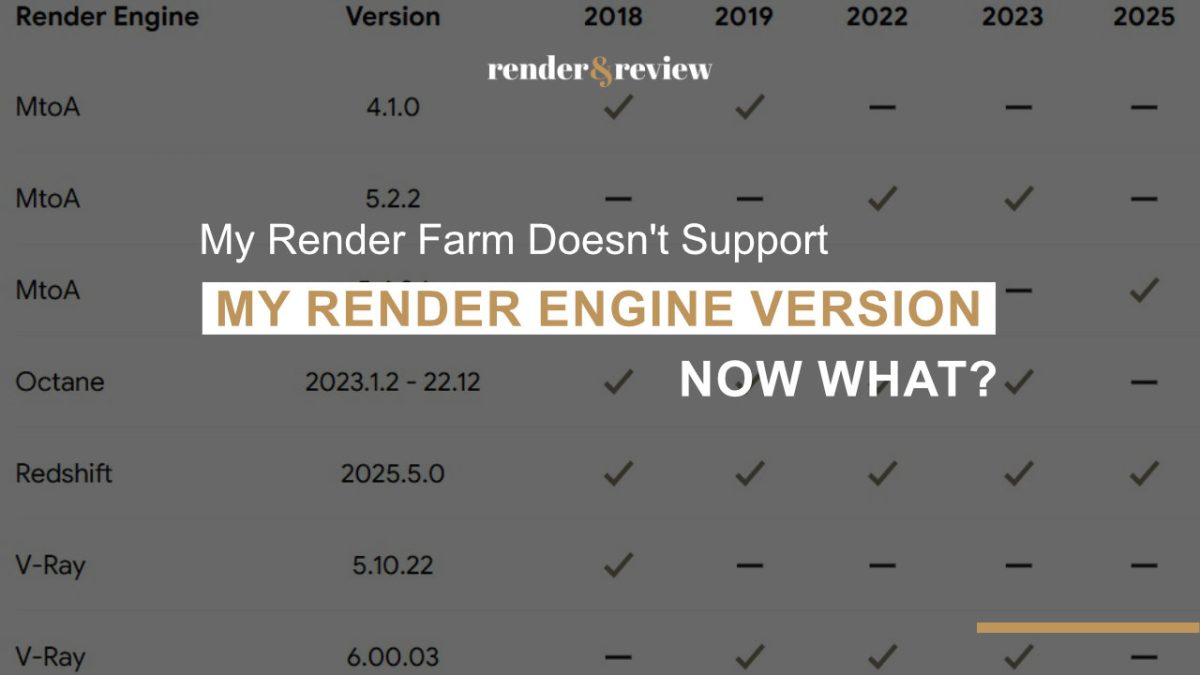
| Latest Engine Versions | Usually not updated immediately when a new version releases. | Able to render immediately because you control the installations. |
| Huge Simulation Caches | Can bottleneck during the automated frame distribution phase. | Uploaded once and saved directly on the persistent server drive. |
| Operation and Maintenance | The service provider handles all hardware and software management. | You must personally configure, manage, and monitor the systems. |
If your production pipeline relies on proprietary setups, finding a compatible cloud platform is critical. Generally, SaaS farms will break your workflow if they lack your specific plugin versions. IaaS platforms protect your pipeline by letting you replicate your environment, but they require significant operational effort to run.
The Cost Shape Is Different Too
The financial models of SaaS and IaaS are designed for very different production workflows. When you compare the two, you should evaluate the total cost of a fully finished frame rather than looking only at the base rates advertised on their websites.
SaaS – Per Frame
With SaaS, you pay strictly for the actual frames you successfully render. This approach makes it very simple to calculate costs per shot, and you do not have to worry about paying for idle hardware. However, this model can become expensive when you are processing long, complex sequences, as the individual frame costs quickly accumulate.
If a frame fails due to a script error or a missing asset, you must pay to re-render it. Additionally, the online cost estimators provided by SaaS farms are often based on short test renders. This approach frequently creates a noticeable gap between your initial estimate and the final invoice.
IaaS – Per Hour
With IaaS, you pay for the total time the remote machine is powered on, regardless of whether it is actively rendering or sitting idle. If you manage your assets efficiently, this model is often more economical for heavy, compute-intensive renders. You can choose the exact hardware configuration you need and complete massive tasks quickly.
However, if you struggle to manage the remote desktop or simply forget to shut the machine down after your job finishes, the billing system continues to charge you at the full hourly rate.
Which One Should You Pick?
To find the best rendering solution for your specific visual effects project, you need to identify your primary workflow requirements:
- Standard pipeline with zero operational overhead: Choose SaaS.
- Customized setups, niche plugins, or the absolute latest software versions: Choose IaaS.
- Massive simulation caches or a strict need to control your pipeline environment: Choose IaaS.
- No dedicated technical artist to manage the render queue under a tight deadline: Choose SaaS.
- An experienced team member available to manage the virtual/physical machines for a massive project: Choose IaaS, but always remember to shut the instances down when they are idle.
If you decide that an IaaS platform fits your workflow, you will want to look at providers that offer dedicated high-end GPU configurations to handle heavy render jobs.
iRender
iRender is a dedicated IaaS provider that allows you to rent powerful remote servers equipped with multiple RTX 4090 GPUs. This setup grants you total control over your rendering environment, though it shifts the responsibility of system setup and pipeline management to you. The final cost of rendering on their servers can also be significantly lower than the standard public rates. You can save up to 60% on your projects by combining their initial deposit bonuses with their Golden hour credit back promotion.
Pipeline uses tools or versions a SaaS farm does not have?
Run it on a server you control. Your renders, your rules →
FAQ
What is the difference between a SaaS and IaaS render farm?
A SaaS render farm delivers fully managed applications over the internet without requiring any manual installation or hardware configuration. You simply upload your scene files, and the provider processes the frames on their infrastructure.
In contrast, an IaaS render farm delivers on-demand computing resources. IaaS provides fundamental compute, storage, and networking resources. This means you rent the raw hardware and must install your own operating system if needed, digital content creation software, and licenses.
Which render farm model is cheaper for VFX?
The most economical option relies entirely on your pipeline complexity and your team’s ability to manage remote servers. If you are running a standard, straightforward workflow and want to avoid any system administration, a SaaS farm is highly efficient because you only pay for completed frames.
If you use highly customized plugins, specialized rendering engines, or complex pipeline configurations, an IaaS platform is often more cost-effective. It allows you to optimize your rendering environment directly, though you must carefully manage your active machine time to avoid paying for idle servers.
Will a render farm break my VFX pipeline?
A SaaS farm can break your pipeline if your project requires a specific plugin, renderer, or software version that the provider does not have installed on their nodes. An IaaS farm will not break your scene files because it allows you to build an exact replica of your local workstation in the cloud. However, using IaaS means you must take on the responsibility of setting up, managing, and troubleshooting the virtual/physical machines yourself.

No comments