


Is One RTX 5090 Better Than Multiple RTX 4090s?
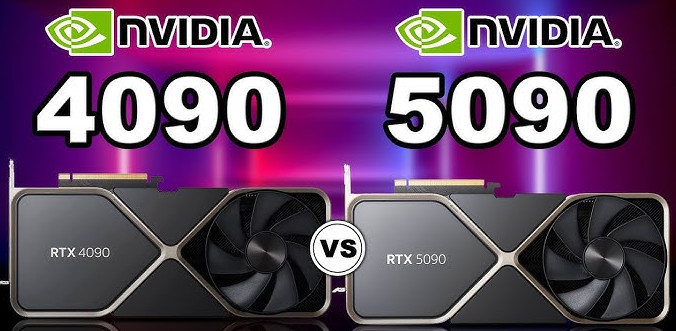
Choosing between the RTX 5090 and multiple RTX 4090s depends on your scene’s memory requirements, rendering engine, and budget. In RTX 5090 vs 4090 rendering, a single 5090 is a strong choice when your scene needs more than 24GB of VRAM but fits within 32GB, or when your software benefits from only one GPU. Multiple 4090s can deliver better throughput for long animations when the engine scales efficiently across GPUs and each card can handle the scene. VRAM does not automatically combine across cards, so adding GPUs increases rendering power without increasing the memory available to a single GPU. Cost also matters. Based on iRender’s pricing, a 5090 must be approximately 32% faster in a single-GPU configuration, or 19% faster in an eight-GPU configuration, to match the 4090’s cost per frame. These thresholds help you compare performance and rental costs more realistically.
When comparing RTX 5090 vs 4090 rendering, raw GPU performance is only part of the picture. We need to consider three factors: whether your scene fits within 24GB of VRAM, whether your rendering engine can use multiple GPUs efficiently, and whether you pay by the hour or by the frame.
Table of Contents
Question One: Does Your Scene Fit in 24GB?
VRAM capacity is one of the biggest factors in choosing between these GPUs. Two RTX 4090s do not automatically provide 48GB of usable memory for a single scene. Neither the RTX 4090 nor the RTX 5090 supports NVLink, so each card has its own 24GB or 32GB memory limit.
If your scene uses around 20GB of VRAM, both configurations can handle it. However, a scene that requires 28GB cannot fit entirely within a single RTX 4090’s memory, even if eight cards are installed in the same system. An RTX 5090 can accommodate that scene within its 32GB capacity.
Redshift and Octane support out-of-core rendering, which allows certain data to use system RAM when GPU memory is insufficient. However, Redshift’s out-of-core support covers textures and geometry, not volume grids. To estimate your requirements, inspect the VRAM usage in the render logs and identify the peak memory consumption on your heaviest frame.
Question Two: Does Your Engine Use More Than One GPU?
To compare multi GPU RTX 4090 vs RTX 5090 cloud configurations, we need to look at how each rendering engine handles multiple GPUs. Some engines scale efficiently across several cards, while others rely on a single GPU for real-time rendering. The table below summarizes common software and the likely advantage when your scene fits within 24GB of VRAM.
| Rendering Engine | Multi-GPU Support | Likely Winner When the Scene Fits Within 24GB | Reference |
| OctaneRender | Yes, scales nearly linearly in suitable workloads | Multiple RTX 4090s | OTOY FAQ, Puget Systems (2022) |
| Redshift | Yes, scales well up to approximately four GPUs in many workloads | Multiple RTX 4090s for animation | Maxon, Puget Systems (2022) |
| V-Ray GPU | Yes | Multiple RTX 4090s | Puget Systems (2025) |
| Blender Cycles | Yes | Multiple RTX 4090s | Puget Systems (2025) |
| Karma XPU | Yes, but comparative scaling data is limited | No confirmed winner | No official comparative benchmark |
| Unreal Engine Movie Render Queue (raster rendering) | Typically one GPU per rendering process | One RTX 5090, or multiple machines rendering separate shots | Epic Games |
| D5 Render, Lumion, Twinmotion (real-time rendering) | Primarily single-GPU workflows | One RTX 5090 | D5 Render documentation, Lumion Knowledge Base, Epic Games |
Question Three: What Does a Frame Cost?
To compare RTX 5090 vs 4090 rendering costs fairly, calculate the cost per frame by dividing the hourly rental price by the number of frames rendered per hour. Avoid comparing hourly prices alone, since different GPU configurations can deliver very different rendering speeds. The following rental rates were referenced from iRender’s pricing information for this article, prepared on October 23, 2026.
One interesting finding is that the price gap between the RTX 4090 and RTX 5090 narrows in larger configurations. In the eight-GPU package, a 5090 costs only around 19% more per GPU-hour than a 4090.
Does the RTX 5090 render fast enough to justify that higher price? Puget Systems benchmarks show that one 5090 outperforms one 4090 by approximately 38% in V-Ray and 35% in Blender. Both results exceed the break-even performance thresholds across the listed packages. Unreal Engine shows a smaller gain of around 17%, which falls below every threshold.
For Redshift and Octane, we could not find comparable RTX 5090 benchmarks from Puget Systems. We therefore used iRender’s YouTube comparison, which tested the same scene on four RTX 4090s and four RTX 5090s. The 5090 was approximately 17% faster in Octane, below the break-even threshold for every package. In Redshift, it was around 39% faster, exceeding the threshold and making the higher hourly rate more competitive.
GPU-Hour Pricing and Break-Even Performance
| Package | RTX 4090 ($/GPU-hour) | RTX 5090 ($/GPU-hour) | Required RTX 5090 Performance Gain |
| 1 GPU | $8.20 | $10.80 | Approximately 32% |
| 2 GPUs | $7.50 | $10.00 | Approximately 33% |
| 4 GPUs | $7.50 | $9.50 | Approximately 27% |
| 8 GPUs | $6.50 | $7.75 | Approximately 19% |
Note: Standard hourly rates as of October 23, 2026, before the 10% discount for rentals of three hours or more. Since the discount applies equally, the relative price ratios remain unchanged.
Use these thresholds to compare benchmark results with rental costs. A faster GPU is not automatically cheaper per frame, so consider both figures before choosing a package.
The Matchup People Actually Ask: One RTX 5090 vs Two RTX 4090s
Puget Systems’ benchmarks suggest that an RTX 5090 does not deliver twice the performance of an RTX 4090. Two 4090s can therefore outperform one 5090 in multi-GPU rendering workloads, provided the scene fits within each card’s memory and the engine scales efficiently.
Based on the listed iRender rates, two RTX 4090s cost $15 per hour, compared with $10.80 for one RTX 5090. That makes the dual-4090 setup approximately 39% more expensive per hour.
For an illustrative Redshift comparison, we can combine Puget Systems’ performance results with iRender’s reported multi-GPU benchmarks. If two 4090s deliver around 1.86 times the performance of one 4090, while a 5090 is approximately 39% faster than a 4090, the dual-4090 setup could render roughly 34% more frames per hour than one 5090. Under these assumptions, the cost per frame is nearly identical at around $0.13, but two 4090s finish the workload sooner.
For scenes that fit within 24GB of VRAM, two 4090s can be the better choice when turnaround time matters. However, they do not necessarily reduce the cost per frame. If your scene requires more than 24GB on a single GPU, this comparison no longer applies.
Things Benchmarks Don’t Show
Benchmarks provide a useful starting point for RTX 5090 vs 4090 rendering, but they do not capture every part of a production workflow. Software compatibility, interactive performance, and the rest of the workstation can all influence your final results.
- Software compatibility: The RTX 5090 requires compatible versions of your 3D software and rendering engine. Older projects locked to legacy versions may need additional testing before you can migrate them.
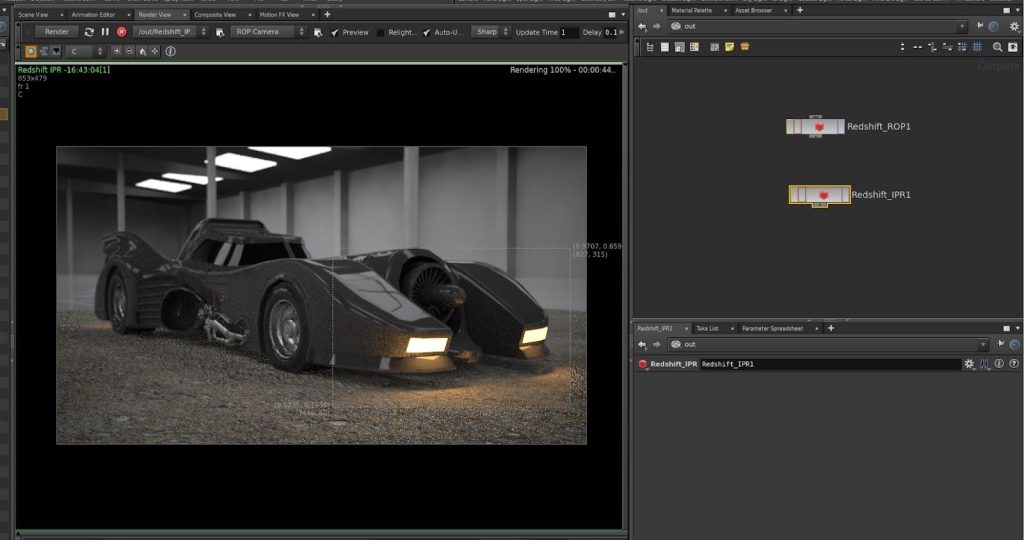
- Look development and IPR: Interactive rendering often relies on a single GPU. A faster card can make viewport updates and material adjustments feel more responsive, even when multi-GPU rendering offers better final-frame throughput.
- CPU and system RAM: The accompanying hardware also matters. In the referenced iRender configurations, four- and eight-GPU systems use AMD Threadripper PRO 5975WX CPUs, while one- and two-GPU systems use 3955WX CPUs. Since scene preparation and loading can depend heavily on CPU performance and available RAM, these differences may affect total production time.
- Power and cooling: If you are building a local workstation, consider power consumption and thermal requirements. The RTX 5090 has a 575W reference TGP, compared with 450W for the RTX 4090. With cloud workstations, the provider handles the physical power and cooling requirements.
A Decision Path in Four Questions
So, should you choose one RTX 5090 or two RTX 4090s for rendering? The earlier table provides recommendations for popular software, but your actual workload deserves a closer look. Consider these four questions to narrow down your options and choose a configuration that suits your scene, rendering engine, and production schedule.
- Does your scene need more than 24GB of VRAM? The difference between 32GB vs 24GB VRAM rendering can determine whether a scene renders successfully. If it exceeds 24GB but fits within 32GB, choose an RTX 5090. Otherwise, move to the next question.
- Does your rendering engine support multiple GPUs efficiently? If not, choose one RTX 5090. If it does, continue.
- Do you mainly render long animations or perform look development? Multiple GPUs can improve animation throughput, while a faster single GPU can provide a more responsive interactive workflow.
- Which configuration offers the lower cost per frame? Render a test frame on both setups, compare the results, and use that data to estimate the cost of the full job.
Testing Both Configurations Before You Commit
iRender offers hourly rental options with RTX 4090 24GB and RTX 5090 32GB GPUs in one-, two-, four-, and eight-card configurations. You can test a representative frame on both setups and compare the cost per frame before committing to a full production.
These are fixed physical workstation configurations. You cannot rent exactly three GPUs or combine an RTX 5090 with several RTX 4090s in the same machine. Plan your workload around the available configurations.
Maximum Speed – Absolute Freedom. Take control of your VFX workflow with iRender’s dedicated GPU servers. Render with iRender →
FAQ
1. Is one RTX 5090 faster than two RTX 4090s for rendering?
Not necessarily. The result depends on how well your rendering engine scales across multiple GPUs. In RTX 5090 vs dual 4090 rendering, two 4090s can deliver higher throughput for supported workloads, while one 5090 may perform better in single-GPU applications or scenes that require more than 24GB of VRAM.
2. Do two RTX 4090s give you 48GB of VRAM?
No. Each RTX 4090 has its own 24GB of VRAM, and the memory is not automatically combined for a single rendering task. Two cards can increase rendering performance when the software supports multi-GPU rendering, but each GPU must still fit its assigned workload within its own available memory.
3. Does the RTX 5090 support NVLink?
No. NVIDIA’s GeForce RTX 5090 does not support NVLink, so you cannot use this interface to combine its VRAM with another GPU. Each card retains its own memory capacity. For rendering, check whether your scene fits within the VRAM available on each individual GPU.
4. Which is cheaper per frame, RTX 5090 or RTX 4090?
The cheaper option depends on rendering speed and rental rates. The RTX 5090 cost per frame becomes competitive when its performance gain exceeds the break-even threshold: approximately 32% for one GPU, 33% for two, 27% for four, and 19% for eight GPUs, based on the prices compared in this article.
5. Can I rent multiple RTX 5090s on iRender?
Yes. Based on the configurations published on their website as of October 23, 2026, iRender offers RTX 5090 workstations with one, two, four, or eight GPUs. These are fixed configurations, so you must choose an available system rather than request an arbitrary GPU count or mix RTX 5090 and RTX 4090 cards in one machine.
See more: RTX 5090 vs RTX 4090 for GPU Rendering: The Version Trap







No comments