


Top 8 Best Render Farms for 2026
Picking the best render farm for 2026 starts with your render engine and how much control you want over the machine, not with the lowest headline price.
- Two Service Models: Seven of the eight farms are SaaS: you upload and the farm renders. iRender is IaaS, a remote GPU server you set up yourself.
- Hardware Match First: Corona and Mantra are CPU only, Redshift and Octane are GPU first, and V-Ray, Arnold, Cycles and Karma run on both. On current RTX cards, VRAM does not add up across GPUs.
- Pricing Units Differ: Farms bill in GHz-hours, OctaneBench-hours, node-hours or machine-hours. RebusFarm lists 0.45 cent/OBh before VAT and iRender lists $8.20/hour for 1x RTX 4090, so convert quotes to cost per finished frame.
- Security Claims: Most farms list ISO 27001, TPN or NDAs. Read each provider’s own terms, since we have not audited these claims.
- Practical Fix: Shortlist farms that run your engine on the right hardware, then render a few test frames and compare the cost per frame. If plugins or versions are the issue, read SaaS vs IaaS render farms for VFX.
Top 8 best render farms 2026 include RebusFarm, RANCH Computing, GarageFarm.NET, Fox Renderfarm, Render Pool, Super Renders Farm, GridMarkets and iRender. However, there is no single best choice for every 3D artist. The right render farm depends on your software and renderer, whether you need CPU or GPU rendering, pricing, hardware scalability, plugin compatibility, and how much control you want over the render environment. Traditional SaaS farms are convenient for automated job submission, while IaaS services offer more control over software, plugins, and GPU resources.
Source: SideFX
Choosing a render farm in 2026 is not just about finding the lowest price. The right service also needs to match your 3D software, renderer, CPU or GPU workflow, plugin requirements, and preferred level of control. With so many options available, we compare eight of the best render farms 2026 to help you find the right fit for your projects.
Table of Contents
How We Compare Top 8 Best Render Farms for 2026
To compare the top 8 best render farms 2026, we focus on six factors that matter most in real production:
- Software and renderer support: Which DCCs, render engines, versions, and plugins are supported
- CPU and GPU options: What rendering resources are available for different workloads
- Hardware and scalability: The available hardware and how easily you can scale demanding jobs
- Workflow: How you upload, submit, manage, and retrieve render jobs, from automated SaaS farms to IaaS remote workstations
- Pricing: How the service charges for rendering and what priority or usage options are available
- Data security: Availability and quality of human technical support, plus security measures such as data protection, NDA options, and recognized security certifications
Since these render farms use different hardware, pricing models, and workflows, a direct performance ranking would be misleading without the same benchmark. Instead, we compare what each service offers and which type of user or project it fits best.
Top 8 Best Render Farms for 2026
Best Render Farm for 2026: Shortlist at a Glance
Service model, listed hardware, pricing unit and the security credentials each farm lists, as summarized in the sections below.
| Farm | Model | Hardware listed | Pricing unit | Security listed |
|---|---|---|---|---|
| RebusFarm | SaaS | Threadripper 3970X CPU, GPU model not published | GHz-hour (CPU), OctaneBench-hour (GPU) | ISO/IEC 27001:2022, NDA |
| RANCH Computing | SaaS | AMD EPYC CPU nodes; RTX 2080 Ti, 3090, 4090 and 5090 GPU nodes | GHz-hour and OctaneBench-hour by priority | TPN Gold Shield |
| GarageFarm.NET | SaaS | CPU and GPU nodes | GHz-hour and OctaneBench-hour by priority | ISO 27001, NDA |
| Fox Renderfarm | SaaS | Xeon CPUs, GTX 1080 Ti to RTX 4090 | Node-hour | ISO 27001, TPN, NDA |
| Render Pool | SaaS | Threadripper 2920X CPU, RX 5700 XT GPU | Per CPU or GPU minute | ISO 27001, TPN, NDA |
| Super Renders Farm | SaaS | Dual Xeon CPU, RTX 5090 GPU | GHz-hour and OctaneBench-hour | NDA |
| GridMarkets | SaaS | CPU and GPU machines priced by benchmark score | Machine-hour, billed per second | States encryption, MPAA-aligned |
| iRender | IaaS | 1, 2, 4 or 8x RTX 4090 or RTX 5090 | Machine-hour while the server runs | States Tier III, ISO 27001/20000/9001, NDA |
1. RebusFarm
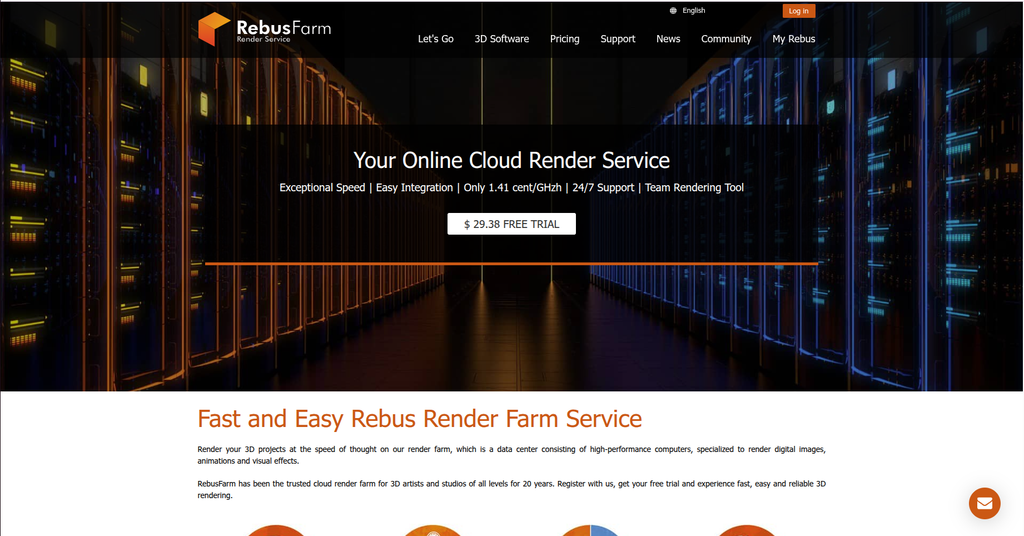
RebusFarm is a traditional SaaS render farm. Its software integrates with supported 3D applications, allowing users to submit and download render jobs without managing remote machines.
Key Strengths
- CPU & GPU rendering: CPU: AMD’s Threadripper 3970X, GPU: model not published, RAM: 128 – 256GB
- Supported software: Supports major software and renderers: 3ds Max, Cinema 4D, Maya, Blender, V-Ray, Corona, Redshift, Arnold, Octane, Mental Ray, Maxwell, Modo, Softimage, LightWave, SketchUp, and Rhino
- Workflow: Users submit their projects through RebusFarm’s software, and the farm handles the rendering on its render nodes
- Scalable rendering: Animation frames can be distributed across multiple render nodes, allowing many frames to render in parallel
- Pricing: CPU rendering is billed per GHzh and GPU rendering per OBh, CPU: 1,41 cent/GHzh; GPU: 0.45 cent/OBh before VAT
- Data security: ISO/IEC 27001:2022 certified and NDAs
Limitations
- Compatibility requirements: Your software, renderer, version, and plugins need to be supported by RebusFarm
- Less environment control: As a SaaS farm, users have less control over the render environment than with a dedicated IaaS workstation
Best for
Best for artists who want a straightforward, DCC-integrated submission workflow with broad software support
2. RANCH Computing

RANCH Computing is a traditional SaaS render farm offering both CPU and GPU rendering. Users prepare and submit projects with RANCHecker and RANCHSync, while the farm handles rendering across its servers.
Key Strengths
- CPU & GPU rendering: CPU: AMD EPYC, GPU: 1-4x RTX 3090/4090/5090
- Supported software: 3ds Max, Cinema 4D, Blender, Maya, Houdini, Indigo, and Maxwell, along with renderers such as V-Ray, Corona, Arnold, Redshift, Octane, Cycles and more
- Integrated workflow: RANCHecker collects assets, checks render settings and prepares the project, while RANCHSync handles file transfers and automatically downloads rendered images
- Scalable rendering: Different priority levels provide access to more render resources, with GPU priorities offering up to 120 GPUs and CPU priorities up to 96 nodes, subject to farm availability and project type
- Flexible pricing: CPU rendering is billed per GHzh and GPU rendering per OBh. CPU: €0.011 – €0.016/GHz, GPU: €0.005 – €0.01/OBh
- Data security: TPN Gold Shield, RANCH also provides HTTPS data transfer, individual authentication for each project, project confidentiality, and secure payments
Limitations
- Compatibility requirements: Software, renderer, plugin, and version compatibility must be checked before submitting a project
- Priority-based rendering: RANCH processes jobs according to priority levels. Higher-priority jobs get greater access to render resources but come at a higher rate, so urgent projects may become more expensive
Best for
Artists and studios that need both CPU and GPU rendering, scalable render capacity, and an automated submission workflow with project preparation tools.
3. GarageFarm.NET
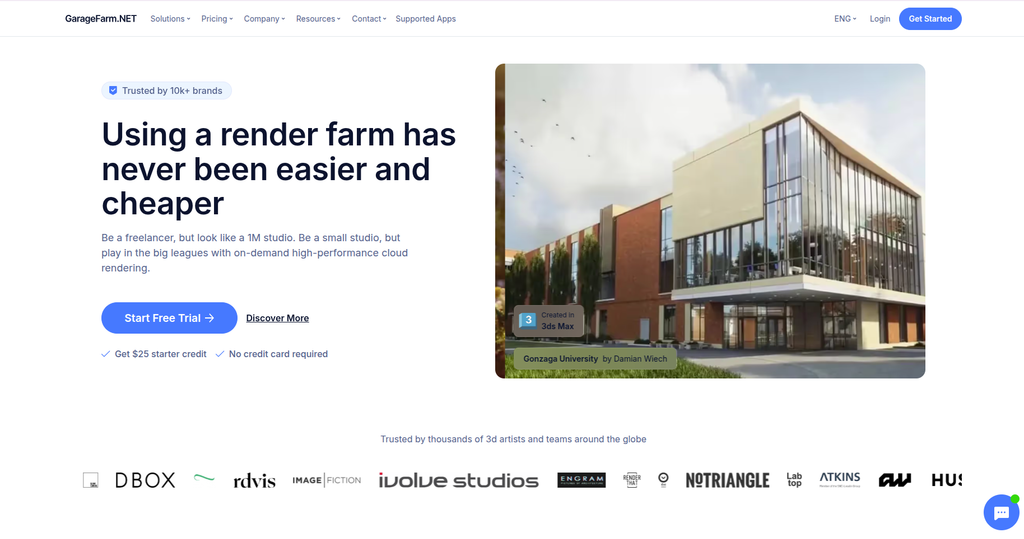
GarageFarm.NET is a SaaS cloud render farm offering CPU and GPU rendering. Users submit projects through its integrated tools, while the farm handles rendering across its render nodes.
Key Strengths
- CPU & GPU rendering: Supports both CPU and GPU rendering, depending on the renderer and workload
- Supported software: 3ds Max, Maya, Cinema 4D, Blender, LightWave 3D, Modo, Rhino, SketchUp, Vue, Terragen, Redshift Standalone, and V-Ray Standalone, along with renderers
- Integrated workflow: DCC plugins and renderBeamer handle project submission and file transfer, while the farm renders submitted jobs and renderBeamer downloads completed frames
- Scalable rendering: Provides access to hundreds of CPU and GPU nodes, depending on resource availability and workload
- Flexible pricing: Uses usage-based pricing with Low, Medium, and High priority levels. Higher priority provides greater access to render resources at a higher rate. CPU: $0.024 to $0.072/Ghz hour, GPU: $0.004 to $0.012 per OB hour
- Data security: ISO 27001 certified and NDAs
Limitations
- Compatibility requirements: Software, renderer, plugin, and version compatibility must be checked before submission
- Higher cost for urgent jobs: Higher-priority rendering costs more, so projects requiring faster access to render resources can become more expensive
Best for
Artists using diverse DCCs, renderers, or plugins who prioritize broad compatibility.
4. Fox Renderfarm

Fox Renderfarm is a SaaS cloud render farm providing both CPU and GPU rendering. Users submit projects through its web platform, desktop client, or supported DCC plugins, while Fox handles the rendering on its cloud infrastructure.
Key Strengths
- CPU & GPU rendering: CPU: Intel Xeon E5-2660, Intel Xeon E5-2678 V3, Intel Xeon 8179M, GPU: GTX1080Ti, RTX2080Ti, RTX3090, RTX4090, RAM: from 64GB
- Supported software: Supports 3ds Max, Maya, Cinema 4D, Blender, Houdini, Unreal Engine, Nuke, and Katana, along with renderers and plugins
- Flexible submission workflow: Projects can be submitted through the web platform, desktop client, or DCC plugins. The desktop client also supports batch submission and automatic downloading of completed files
- Scalable rendering: Fox Renderfarm provides large-scale CPU and GPU cloud resources for processing multiple frames and render jobs in parallel
- Flexible pricing: CPU: $0.734 – $1.124/node/hour, GPU: $0.9 – $1.8/node/hour, actual cost varies with the hardware used
- Data security: ISO 27001 certified, TPN accredited, provides encrypted file transfer, and NDAs
Limitations
- Compatibility requirements: Software, renderer, plugin, and version compatibility still needs to be checked before submitting a project
- Discounts require higher spending: Lower standard rendering rates are tied to accumulated recharge tiers, so smaller or occasional users may pay a higher unit rate than high-volume customers
Best for
Artists and studios that value multiple submission options, broad software support, strong data security.
5. Render Pool
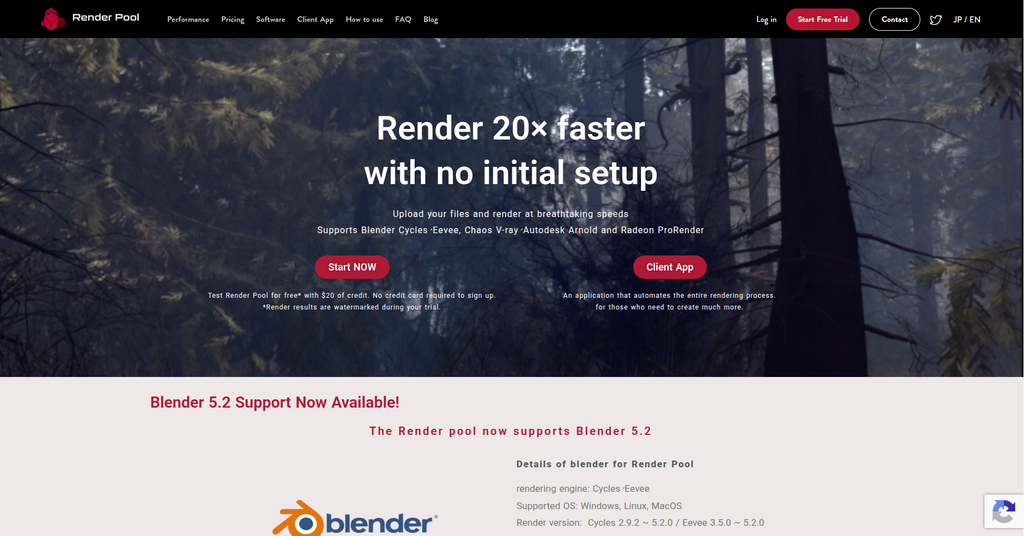
Render Pool is a SaaS cloud render farm developed by Morgenrot. Users upload their project files through a browser or client app, set the render parameters, and Render Pool distributes the frames across its servers automatically.
Key Strengths
- CPU & GPU rendering: GPU: AMD Radeon RX 5700 XT GPUs, CPU: AMD Ryzen Threadripper 2920X
- Focused renderer support: Currently supports Blender Cycles, Eevee, Chaos V-Ray, Autodesk Arnold, and Radeon ProRender
- Simple workflow: Users upload project files, choose render settings, and start rendering without configuring remote machines. Frames are automatically distributed across Render Pool servers.
- Scalable rendering: Render Pool states that it can distribute 1 to 10,000+ frames across 1,000+ servers, allowing animation frames to render in parallel
- Usage-based pricing: Standard reference pricing starts at $0.03 per GPU minute or CPU minute, actual cost varies with the hardware used and workload
- Data security: ISO 27001 certification, TPN accredited, and NDAs
Limitations
- Narrower software support: Render Pool supports fewer renderers and DCC workflows than broader farms such as RebusFarm, RANCH Computing, GarageFarm.NET, and Fox Renderfarm
- Trial output is watermarked: The $20 free trial can be used to test the service, but rendered results during the trial contain a watermark
Best for
Blender users and artists using Cycles, Eevee, V-Ray, Arnold, or Radeon ProRender who want a simple upload-and-render workflow without managing cloud machines themselves.
6. Super Renders Farm
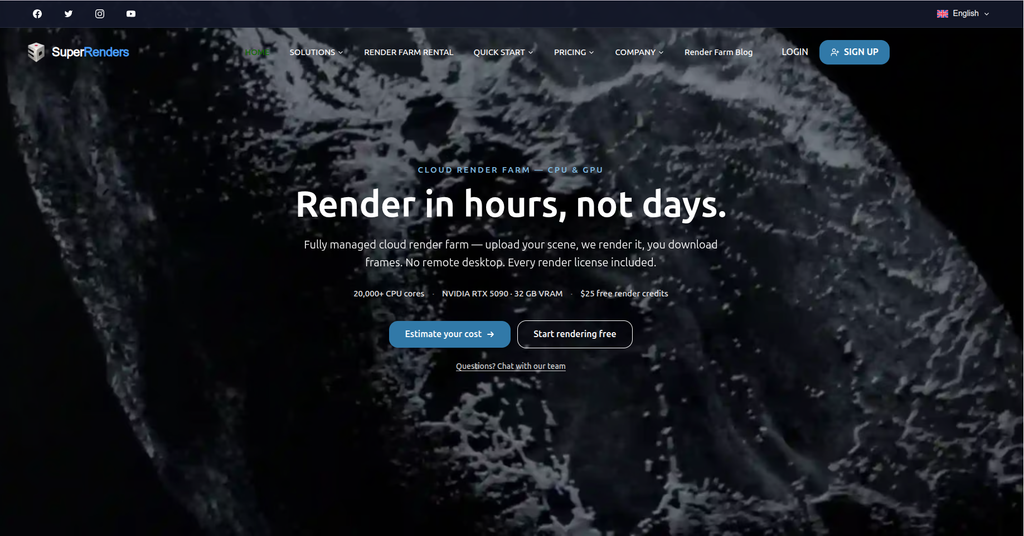
Super Renders Farm is a fully managed SaaS cloud render farm offering both CPU and GPU rendering. Users upload their scenes, while the farm handles project validation, job distribution, rendering, and output delivery without requiring remote desktop access.
Key Strengths
- CPU & GPU rendering: CPU: Dual Xeon, 44 cores/88 threads per node, GPU: NVIDIA RTX 5090 GPU fleet with 32 GB VRAM per card
- Broad software support: Supports 3ds Max, Maya, Blender, Cinema 4D, Houdini, 3DCoat, After Effects, and NukeX, with renderers/plugins including V-Ray, Corona, Arnold, Redshift, Octane, RenderMan, and Anima
- Managed workflow: Users upload their projects and the farm handles pre-render validation, licensing, job distribution, and rendering. Missing textures, broken paths, and version mismatches can be checked before credits are spent
- Scalable rendering: Render workloads can be distributed across its CPU and GPU infrastructure to process frames in parallel
- Usage-based pricing: CPU rendering starts at $0.004/GHz-hour, while GPU rendering starts at $0.003/OctaneBench-hour
- Data security: NDAs are available
Limitations
- Compatibility requirements: Projects still need to use software, renderers, versions, and plugins supported by the managed farm environment
- Less environment control: As a fully managed SaaS farm, users do not directly access or configure render machines as they would with an IaaS workstation
Best for
Artists and studios that want a fully managed render workflow with both CPU and RTX 5090 GPU resources, pre-render scene validation.
Weighing Super Renders Farm against other options? Our Super Renders Farm alternatives guide compares five farms on billing model, control and fit.
7. GridMarkets
GridMarkets is a SaaS cloud render farm designed for rendering and simulation workloads. Users submit jobs directly from supported 3D applications through its plugins and Envoy Render Manager, while GridMarkets handles file transfer, compute resources, and job distribution.
Key Strengths
- CPU & GPU rendering: CPU: AMD Ryzen 9 9950X3D, GPU: up to 8 P100 or V100s per machine, RAM: 380GB
- Broad software support: Supports Houdini, Blender, Maya, Cinema 4D, 3ds Max, and Unreal Engine, along with renderers such as Redshift, Arnold, Karma, V-Ray, Mantra, and RenderMan, depending on the DCC
- Integrated workflow: Its DCC plugins and Envoy Render Manager handle job submission, uploads, downloads, and job management, reducing the need to manage cloud machines manually.
- Rendering & simulation: In addition to rendering, GridMarkets supports cloud simulations, particularly Houdini workloads, making it suitable for compute-heavy VFX simulations as well as final rendering
- Scalable rendering: Economy, Standard, and Rush plans provide up to 5, 50, and 100 concurrent machines, respectively. Larger configurations are available by contacting GridMarkets
- Usage-based pricing: Pricing depends on the service plan and machine type. Machines are priced per machine-hour but billed by the second, and users pay only for the compute time used. Data transfer, storage within stated limits, and licenses are included
- Data security: End-to-end encryption and infrastructure aligned with MPAA security guidelines
Limitations
- Compatibility requirements: Projects must use software, renderers, versions, and plugins supported by the GridMarkets environment
- Higher cost for urgent jobs: The Rush plan provides access to more concurrent machines and priority queue access, but at higher rates than lower-priority options
Best for
VFX artists and studios that need cloud rendering plus compute-heavy Houdini simulations, with integrated job submission and scalable CPU/GPU resources.
8. iRender
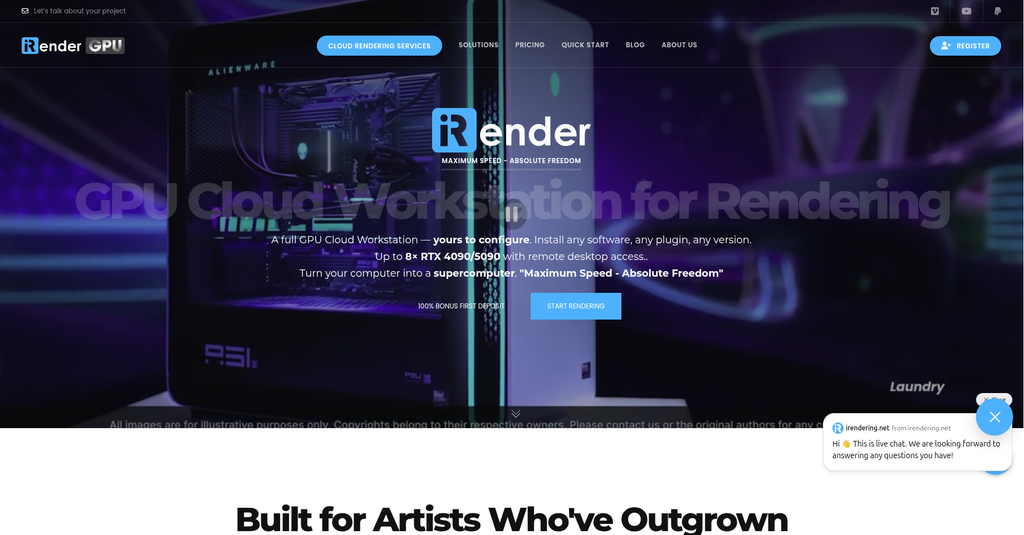
iRender uses an IaaS (Infrastructure as a Service) model rather than a traditional SaaS render farm. You access a dedicated remote workstation, install your own software, and manage the rendering environment directly.
Key Strengths
- Full environment control: Users have full control of servers, install any renderers, plugins, and software versions like on their local machine
- Powerful GPU options: 1, 2, 4 or 8x RTX 4090 (24GB VRAM each) or RTX 5090 (32GB VRAM each), RAM 256GB, Storage (NVMe SSD): 2TB
- Supported software: Any Windows software you can install yourself, including real-time engines (Twinmotion, Unreal Engine, Lumion, D5 Render, Enscape), since you get the full machine
- Multi-GPU scalability: Multiple GPUs can accelerate rendering when the renderer itself supports multi-GPU processing
- Pay-as-you-go pricing: $8.2 – $52/node/hour, pay based on actual time machine running
- Data security: iRender states its data center is rated Uptime Tier III and holds ISO 27001 (BS7799), ISO 20000 (ITIL) and ISO 9001:2000, and its terms offer an NDA on request (not independently verified by us)
Limitations
- More user management: You are responsible for installing software, transferring files, and managing the render workflow
- Idle time matters: Because billing is based on server usage time, leaving a server running unnecessarily can increase costs
Best for
GPU-heavy rendering, real-time rendering, custom plugins and software versions and artists/studios who have complex, multi-stage production pipelines and want full control over their cloud render environment.
iRender has published its own benchmark of the same Cinema 4D scene rendered with Octane and with Redshift on a 4x RTX 5090 server. The timings come from the provider, and we have not reproduced them.
GPU or CPU Render Farm: Which Hardware Does Your Engine Use?
Check which hardware your render engine runs on before you compare prices. A GPU farm will not speed up a CPU-only renderer, and a CPU farm leaves a GPU engine with nothing to do. Most of the farms above serve both, but the price unit, queue and node specs differ between the two.
Render Engine Hardware Map for Render Farms
Which hardware each engine renders on, and what to confirm before you upload.
| Render engine | Renders on | What to check on the farm |
|---|---|---|
| Corona | CPU only | Core count, RAM per node, GHz-hour price |
| Mantra | CPU only | Houdini build and license type the farm supports |
| V-Ray | CPU or GPU (separate modes) | Which mode and V-Ray version the farm runs |
| Arnold | CPU or GPU | GPU mode needs NVIDIA cards; confirm it is offered |
| Cycles | CPU or GPU | Blender version and OptiX support on the nodes |
| Karma | CPU, or XPU on GPU | VRAM per card; XPU does not run VEX shaders |
| Redshift | GPU first, with a CPU mode | Redshift build for your GPU generation |
| Octane | NVIDIA GPU | Octane build for your GPU generation, VRAM per card |
Two GPU points catch people out. On current RTX cards, VRAM does not add up across cards, so every card in a multi-GPU node has to hold the whole scene on its own. Adding cards also speeds things up less than linearly. Octane scales close to linearly in published multi-GPU tests, while Redshift shows more drop-off as cards are added, so expect each extra card to add a little less than the one before. For a deeper look at the hardware side, read GPU rendering vs CPU rendering, and for the service model behind each farm, see SaaS vs IaaS render farms for VFX.
Which Render Farm Should You Choose?
There is no single best render farm for everyone. The right choice depends mainly on how much control you want over the rendering environment and how you prefer to manage your jobs.
Choose a traditional SaaS render farm (Rebus, Ranch, Fox, Render Pool, Garage, Grid, Super) if:
You want to upload your project, submit a job, and let the farm handle render distribution across its nodes. This approach requires less hands-on management and works well when your software, renderer, and plugins are supported by the farm.
Choose an IaaS cloud workstation (iRender) if:
You want direct control over the machine, including installing your own software, renderers, plugins, and versions. It also suits real-time engines such as Unreal Engine, Twinmotion, Lumion and D5 Render, which need you to work directly on a remote GPU workstation.
In short, SaaS prioritizes automation and convenience, while IaaS prioritizes control and flexibility.
FAQ: Best Render Farm for 2026
What are the best render farms in 2026?
Top 8 best render farms 2026 include RebusFarm, RANCH Computing, GarageFarm.NET, Fox Renderfarm, Render Pool, Super Renders Farm, GridMarkets and iRender. The best choice depends on your software, renderer, hardware needs, workflow, and budget.
Is a SaaS or IaaS render farm better?
Neither is always better. A SaaS render farm is better for users who want to submit a project and let the farm handle rendering, while an IaaS render farm is better for those who need full control over software, plugins, and the remote rendering environment.
Are cloud render farms safe?
Yes, reputable cloud render farms use security measures to protect project data during transfer, storage, and rendering. Depending on the provider, these may include encrypted file transfers, NDAs, access controls, and security certifications such as ISO 27001 or TPN.
Should I choose a CPU or GPU render farm?
Start from your render engine. Corona and Mantra render only on CPU, so a GPU farm cannot speed them up. Redshift and Octane are GPU first, while V-Ray, Arnold, Cycles and Karma can use either, through separate modes. Pick the farms that run your engine on the right hardware, then compare prices only among those farms.
How do render farms charge in 2026?
SaaS farms usually bill CPU work in GHz-hours and GPU work in OctaneBench-hours, often with priority tiers. Fox Renderfarm bills per node-hour and GridMarkets per machine-hour billed by the second. IaaS services such as iRender bill per machine-hour while the server runs. Render a few test frames and convert every quote to the cost of one finished frame before you compare.




Pingback:Top 5 Best Blender Render Farms in 2026: Updated RTX 5090 Guide - VFXRendering | 6 November, 2026
|
Pingback:What is a Render Farm? Your Ultimate Guide in 2025 - VFXRendering | 6 November, 2026
|
Pingback:Traffic Market Share Of 5 Best Render Farms in November 2024 - Report | 6 November, 2026
|
Pingback:What is The Best CPU for 3D Modeling - VFXRendering | 6 November, 2026
|
Pingback:Top 5 best multi-GPU rendering engines - VFXRendering | 6 November, 2026
|
Pingback:How to render a Cinema 4D & Physical renderer project on Ranch Computing | 6 November, 2026
|
Pingback:iRender: A Complete Overview - VFXRendering | 6 November, 2026
|
Pingback:Fox vs GarageFarm vs RebusFarm vs iRender: Which Render Farm Fits Your Job? | 6 November, 2026
|
Pingback:Render Farm Cost per Frame: How to Calculate It (2026) | 7 November, 2026
|
Pingback:Super Renders Farm Alternatives: 5 Farms Compared (2026) | 9 November, 2026
|
Pingback:What is the Best GPU for rendering Blender? - VFXRendering | 9 November, 2026
|
Pingback:Top 3 render farms for architects - VFXRendering | 9 November, 2026
|
Pingback:3ds Max Render Farm in 2026: What to Match First - VFXRendering | 10 November, 2026
|